

Hot App Reviews - Best Free Apps Download & Guides

Install Instagram at No-Cost

WhatsApp Setup

Download and Install YouTube

Keep Your Account Secure
 4.6
4.6
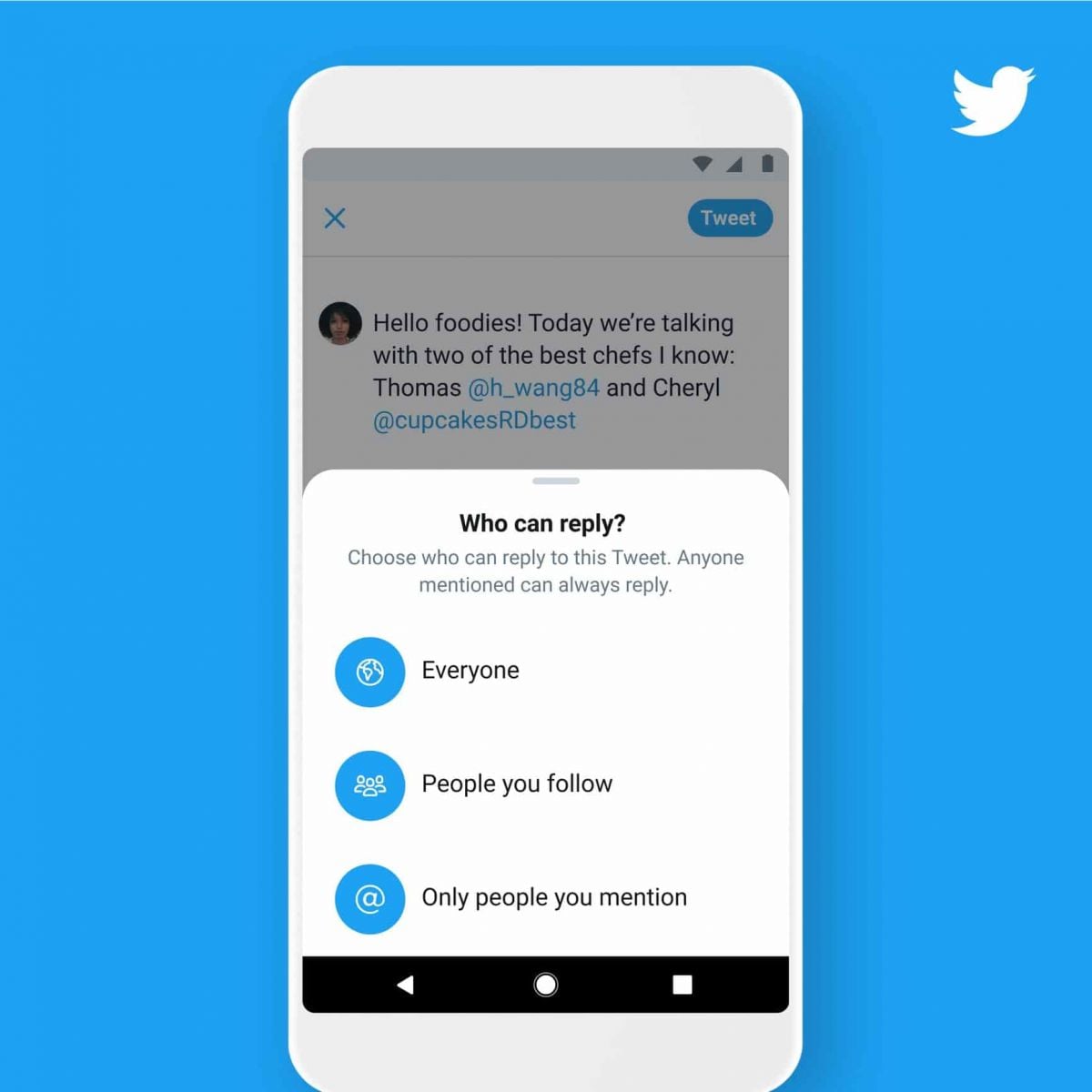
Measures to Prevent Compromise of Personal DataPrivacy Settings1. Set your account to private so that only confirmed followers can read your tweets.2. Control who can reply to your tweets by selecting options like “Everyone,” “People you follow,” or “Only people you mention.”Security Measures1. Enable 2FA for an extra layer of security during login.2. Use complex passwords like mix letters, numbers, and symbols and update them regularly.

Erase My Traces on Facebook
4.5
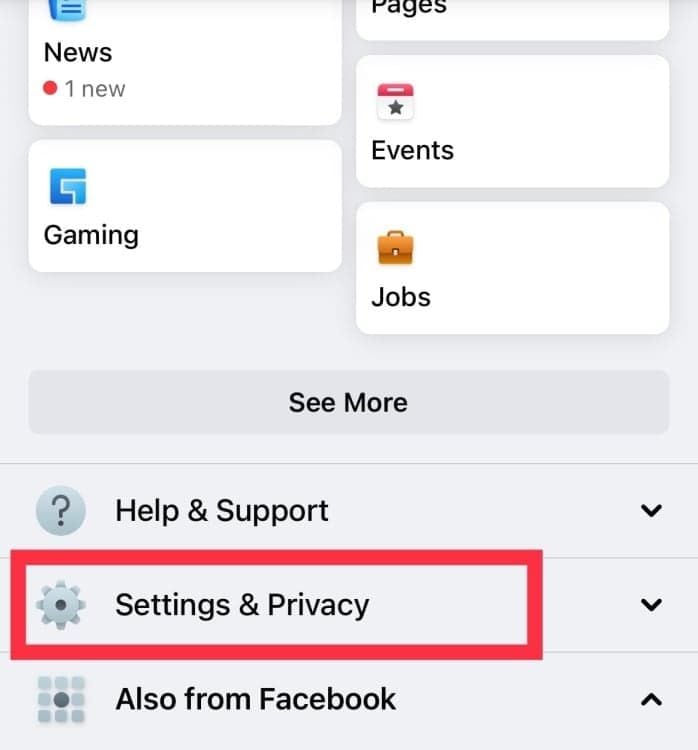
How to Delete Your Account1. Sign into your Facebook account and click the down arrow in the top right corner.2. Select Settings & Privacy, then click on Settings.3. Navigate to Your Facebook Information, then click on Delete Your Account and Information.4. Choose Permanently Delete Account, then follow prompts to confirm your decision.Additional Steps for Data Removal1. Before deletion, consider downloading your data via the Download Your Information tool if you want to keep any memories or posts.2. Note that once you delete your account, you have 30 days to change your mind before all information is permanently removed.

Keep Temu Always Up-to-Date
4.4
Update Methods1. Auto Updates: For both Android and iOS, select “App Updates” in your device settings to update your Temu application automatically whenever a newer version is released.2. Manual Update: Go to the Play Store for Android or the App Store for iOS, search for “Temu,” and if it says that an update is available, just tap on “Update”.3. Desktop Version: Since Temu is web-based on PC browsers, the updates are automatically done. You just have to refresh the page to experience the new features.


Pay and Extend Parking
4.5
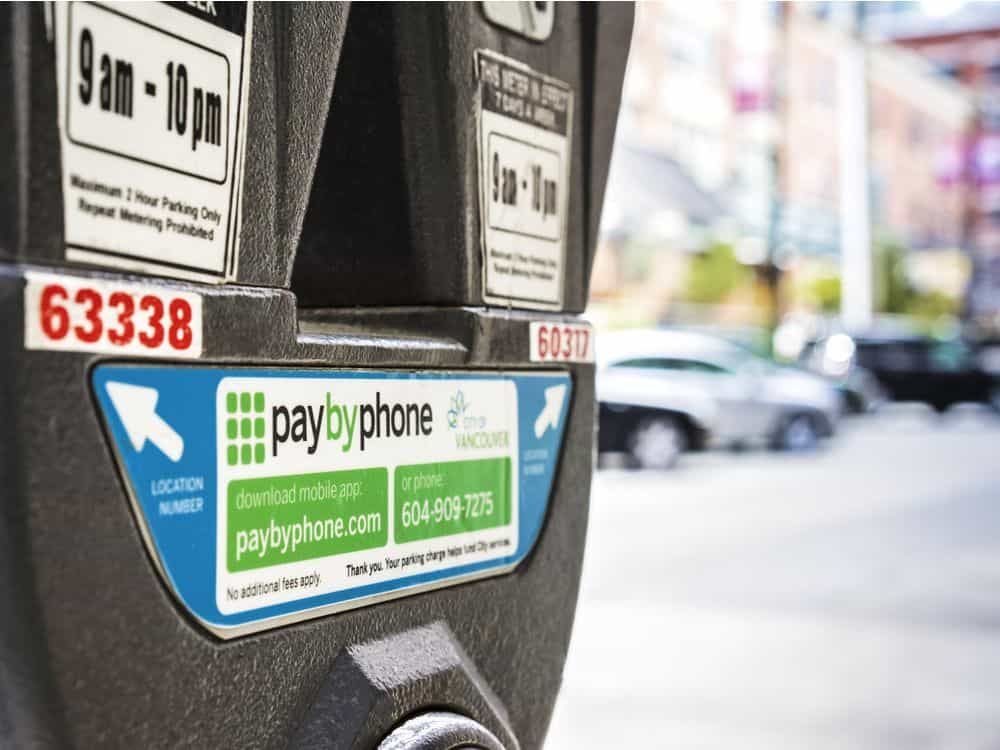
Steps to Pay for Parking:1. Access PayByPhone application or log into www.paybyphone.com.2. To begin, enter your User ID and Password for the sign in if you have an account otherwise you can create a new account.3. Type in the parking location number4. Specify the duration of your parking session.5. Confirm the payment amount and select your preferred payment method.6. Tap “Confirm Payment.” You’ll receive a confirmation notification.Steps to Extend Parking Time:1. Open PayByPhone app.2. Navigate to the “Active Parking Session” tab.3. Tap “Extend Time.”4. Select the additional time required and confirm the new payment.5. Receive an updated confirmation for the extended session.

Stay Updated Hassle-Free Across Devices
4.3
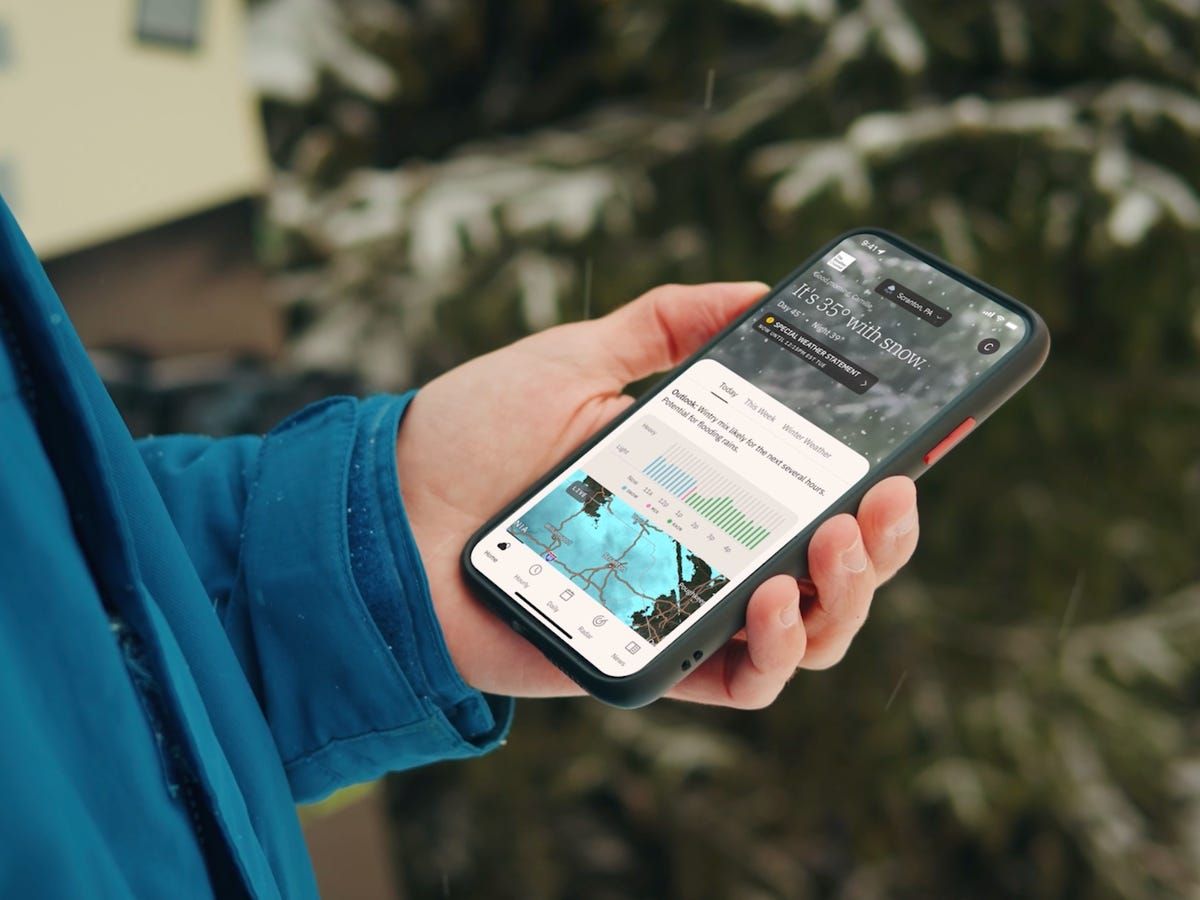
Updating on iPhone (iOS)1. Open the App Store on your iOS device2. Click on your profile picture in the top right3. Swipe down to see available updates for every app4. Locate The Weather Channel in pending updates list5. Tap “Update” next to the name of the app to start it6. Alternatively, tap “Update All” to install all apps at once7. Wait while download and install are completed8. After updating, launch the app to verify that it’s running smoothly9. Check the “What’s New” section to learn about new featuresUpdating on Android Devices1. Launch Google Play Store on your Android device2. Tap your profile icon in the top right3. Select “Manage apps and device”4. Search for “Updates available” to see pending updates5. Find The Weather Channel in the list6. Tap “Update” next to the app7. To get automatic updates, visit the page of the app8. Tap the three dots on the top right corner9. Choose “Enable auto-update” to update the app automatically10. Once updated, open the app to verify that the update was successfulUpdating on PC (via Web)The web version updates automatically, but keep your browser up to date for optimal performance.

Support in 5 Seconds With Google Pay’s Built-In Transfer
4.2

Mastering Every Wave with Real-Time Ship Dynamics
4.6
Central is a real-time itinerary tracker: You can watch where your ship is along its route, the speed and course it’s traveling with and every single port of call — along with a full ETA (estimated arrival time) at each port. Thanks to reliable data integration, it will even let you know if there’s any routing changes or delays meaning never having to worry about that missed shore excursion or dinner reservation.Beyond the location aspect, the app makes you aware of ship operations. See what time your ship sets sail and ensure your devices are synced with the ship’s official time to make sure you get on board before it sails off without you, compare the time on other ships, check out a great selection of ports-of-call at our other live cams. Whether you’re dreaming of a trip to Carnival, or living it while reading this, those memories will serve them well when they remember their journey with us.

Integration with Spotter Network
4.3
The main advantage of such an integration is the ability to crowdsource intelligence that matters. If a user reports hail, a funnel cloud or damaging winds on WeatherWise, that verified data is then immediately sent — not only to the app — but also to the National Weather Service and emergency managers. This is a healthy, two-way flow of information. For users, that's meant when they make observations, it feeds into public warnings immediately, and gives them a live map of confirmed, on-the-ground reports from other reliable storm spotters in the areas around them.This feature is ideal for weather junkies, storm chasers or people who simply like to know what the weather is doing. It enables people to be part of the solution when it comes to keeping their communities safe, by offering a faster and more informative view of local threats. The Spotter Network integration fills in that chasm between official predictions and the street level, effectively turning WeatherWise from a passive information service into an active life-saving network.

Never Forget Plant Care Again with Blossom's Reminder Feature
4.3
You can set up reminders for many aspects of plant care, such as watering, fertilizing and cutting. The application will send you timely reminders on your cell phone so that you never miss an important item of plant management again. To beginners or old hand always the failure element in plant care, this function can be of great help. It combines AI identification with actual plant management to provide easy-to -swim follow ups for your plants. With Blossom, taking care of plant health is plain sailing that lets soul you enjoy the charm of your green life without a care.

Master Plant Care with Plantum
4
This app is for new and old plant loves alike. It makes your smartphone into a professional plant care tool. In the big wide world when so many plants seem similar, Plantum's AI technology tells them all apart. The application can differentiate between over 92% of 340,000 plant species:For example, if you take a photo, it will recognize the species in an instant and can identify nearsightedly up to 1480 types of pests and diseases, with 97% accuracy which makes perfect senseThe app offers planting tips based on local information, rather than a one-size-fits-all philosophy perfect for beginners. It even sends timely reminders that indispensable aid to keeping your plant alive. Now whether you want to remove yellowing leaves or look after new saplings, with Plantum you only need give the appropriate instructions and your little piece of sky will become a green paradise.