

Communication Apps - Free Download & Official Reviews

Download Telegram Easily
 4.0
4.0
Detail Installation Steps1. Android Devices:- Open the Google Play Store. In the search box, input “Telegram.”- Tap the one from Telegram FZ-LLC, then tap “Install.” More simply, you can just visit here to view the same page https://play.google.com/store/apps/details?id=org.telegram.messenger&hl=en_US.- Download and install the app. Open the app once downloaded and register your account using your phone number.2. Apple Devices iPhone/iPad:- On your Apple device, launch the App Store and search for “Telegram.”- Tap “Get,” then “Install” when prompted. Alternatively, get to the downloading page simply from here https://apps.apple.com/us/app/telegram-messenger/id686449807.- Install from the store and open it: in-app, register your phone number and start using Telegram.3. Desktop Version (Windows/Mac):- Go to the official Telegram website https://desktop.telegram.organd download the desktop application for your operating system.- Follow the installation prompts, then open Telegram.- Link it now with your mobile account, either by scanning the QR code or by typing your phone number.4. Web Version:- Alternatively, Telegram has a Web version for those who do not want to install anything. In a browser, just go to its official homepage https://web.telegram.org/k/, insert your phone number and access your account.

What Can You Do with Telegram
4.0
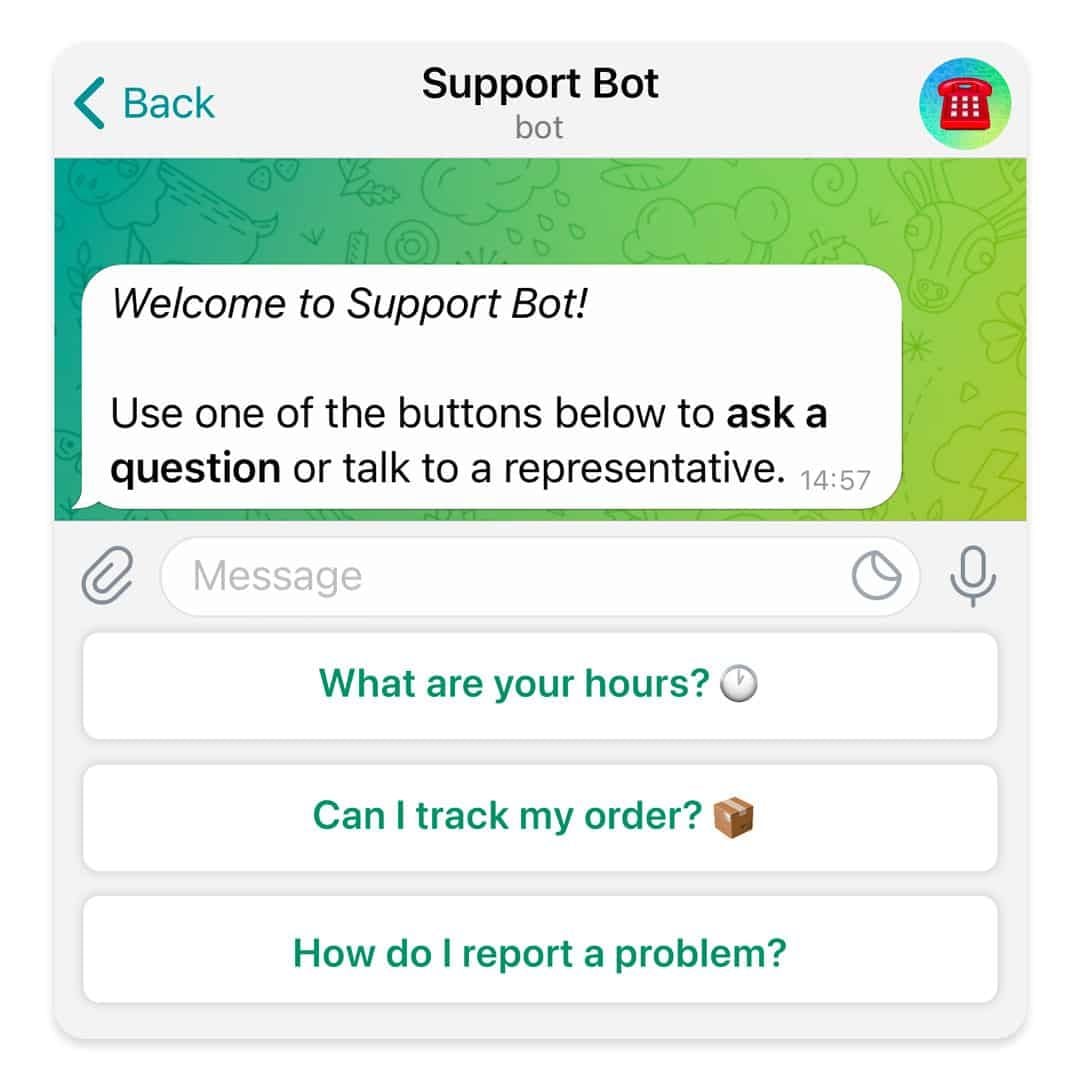
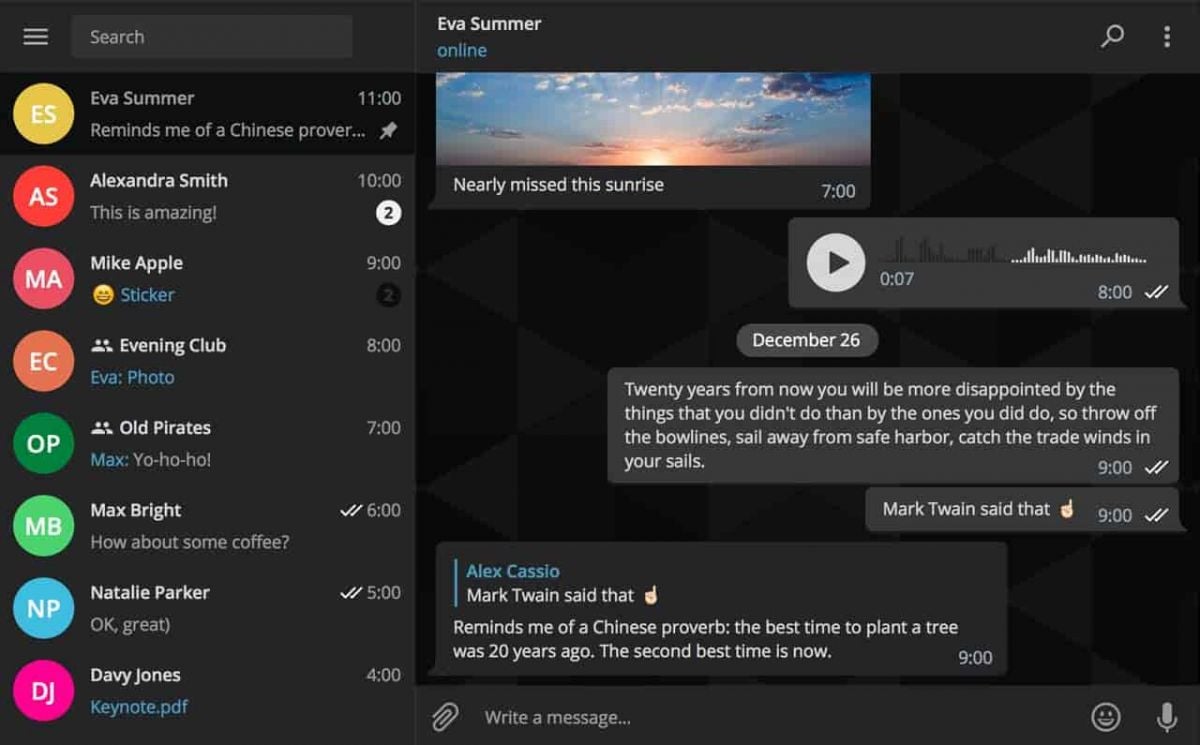
What Telegram Allows You to Do1. Secret Chats:- Besides basics, for additional security, Telegram provides “secret chats” that are end-to-end encrypted and even self-destruct on expiration.- The messages of Secret Chats also cannot be forwarded, further giving control over the information shared.2. Cloud-Based Messaging with Unlimited Storage:- Telegram is cloud-based: your messages and files are stored in the cloud; therefore, you can view them from any device without occupying any local storage.3. Sharing Large Files:Telegram allows you to share large files (up to 2 GB) in one go, a unique feature compared to other messaging apps that restrict file size.4. Bot and Personalization- Telegram provides an excellent bot platform through which users can perform actions, access information, and even play games.- You will be able to find all kinds of bots, from those that will help one with the weather forecast, translation, or news updates.5. Channels and Groups:- Telegram allows for groups of up to 200,000 people and channels allow one-way broadcasting; thus, it’s good to put out some of your messages.

Create Your Channel in Telegram
4.0
Telegram makes it easy to create a channel, and it provides additional features for managing and growing your audience. Here’s how to set up your own Telegram channel.1. Open Telegram and click the menu icon: three horizontal lines.2. Among the options appearing, click New Channel.3. Name your channel, and an optional description for the purpose can be given.4. Decide if you want the channel to be public, where everyone can find it, or a private one, where only invited members will join.5. If public, send the link so it’s easy to join; if private, share invite links only with invited individuals.6. Having made all your preferences in the channel, tap Create and optionally add members.


Customize Telegram Themes & Notification
4.0
Here is a simple tutorial on how to personalize these features in Telegram.Creating Custom ThemesFor Desktop:1. Open Telegram Desktop and click on Settings.2. Click on Chat settings, then select Create New Theme.3. Name your theme then choose the color of the text, background, and button.4. Click Save Theme once your theme is to your liking.For mobile:1. Enter Telegram from your mobile device: Now, go to Settings > Chat Settings/Appearance.2. Click the Theme then select Create New Theme.3. Give your theme a name and adjust the colors to your liking.4. Tap the upper-right corner to save your changes.Setting Custom Notification Sounds1. Open Telegram chat.2. Click the top-left thumbnail of your profile picture.3. Tap on Notifications, then Customize.4. Select your sound of choice, browse through the provided options, or upload your own.

Telegram’s Safety Features
4.0
1. Enable Two-Step Verification:- For the extra layer of security, one can enable a password via Settings > Privacy and Security > Two-Step Verification.- This will prevent unauthorized use, even if anyone else knows your telephone number.2. Sending Private Messages via Secret Chats:- Secret Chats use end-to-end encryption, including self-destruct timers, which is great for sensitive information.- They never reach Telegram’s servers and therefore never leave your device.3. Control Who Can Contact You:- In Settings > Privacy and Security, select who can view your profile photo, your last seen, and phone number.- You can block contacts, manage messages coming from strangers, and you can limit this for unnecessary conversations.4. Self-Destruct Media in Regular Chats:- Open any chat, tap the clock icon while sending a photo or video. After setting the self-destruct timer for media to disappear once viewed.

Stake.com Overview
5
The game library at Stake.com exceeds 3,000 selections that incorporate slots along with table games and live dealer matches as well as proprietary first-party content from their internal developers. Crypto users prefer the site because it facilitates safe Bitcoin and Ethereum transactions while maintaining user privacy together with quick processing speeds. Users can trust Stake.com because its provably fair gaming technology utilizes cryptographic hashing tools to ensure complete fairness as well as transparency in all games.Users can access Stake.com whether through mobile or desktop devices directly because the website has a responsive design while customer support operates via live chat and email throughout 24 hours. The website supports responsible gambling through educational programs and enables players to voluntarily exclude themselves from gambling activities.Stake.com provides cryptocurrency-backed online betting options through its wide variety of gambling games to satisfy users who seek trustworthiness and fairness anywhere in the world. The crypto gambling industry finds Stake.com to be at the forefront due to its distinctive operational features together with its ongoing advancement.All the above is compiled from the official Stake.com website. HotAppBlog offers no services on this platform. This write-up is just for informational purposes. For detailed or specific questions, please visit the official Stake.com website directly.

Always Keep WhatsApp Updated
4.6
How to Keep It Updated1. If You’re Using an Android Device:- Open Google Play Store; tap on the menu icon in the top left corner then select “My apps & games.” If there are updates, they will appear on this page; click update beside WhatsApp.2. If You’re Using an iOS Device:- Go to the App Store, tap on the “Updates” icon bottom right; if there is an update for the apps such as WhatsApp, it will show here; tap “Update” beside it.3. If You’re Using a Desktop Device:- Access through an official website for the latest download, in case automatic updates have not been enabled for Windows or Mac users. Or directly launch the corresponding desktop app store to see if there is an updated option available.

Update Zelle Across Devices
4.5
Update on Mobile (Android & iOS)1. Automatic UpdatesAndroid: Open your profile icon in the Google Play Store, enter “Manage apps & device,” and turn on “Update automatically.”iOS: Under Settings, locate “App Store” and activate “App Updates.”2. Manually UpdatingAndroid: Look for the Google Play Store or your bank using the search key and update from there, IF available.iOS: In the App Store, tap your profile icon, scroll to see pending updates, and tap Update next to your banking app or Zelle.Update via Online Portal of BankIf you access Zelle through your bank’s online portal, most of the updates happen from the server side by the bank, and you will have nothing in particular to do to keep Zelle updated. Be sure, however, that your browser is updated, as this will ensure the best and most secure user experience.

Encountering Zero Hidden Fees
4.9
Remitly shows you all fees upfront from the very beginning, once you commence a transfer. Choose where you want to send it on the pricing page, and you'll immediately see associated fees, competitive exchange rates and the amount the recipient will receive exactly. There are no hidden charges and confusing calculations, whether sending to Nigeria at 0% fees or paying suppliers in Japan. Even third-party fees from banks or wallets are revealed up front, meaning that you do not waste time without being duly informed.And for peace of mind, Remitly comes with a promise to deliver on time—or it will refund your fees if there's a delay. With 100+ supported currencies and millions of international users, Remitly is evidence that transparency and dependability can cooperate.