


2026 Apps - Free Download & Official Reviews
Transform Rough Drafts Into Flawless Masterpieces with Grammarly
 4.7
4.7
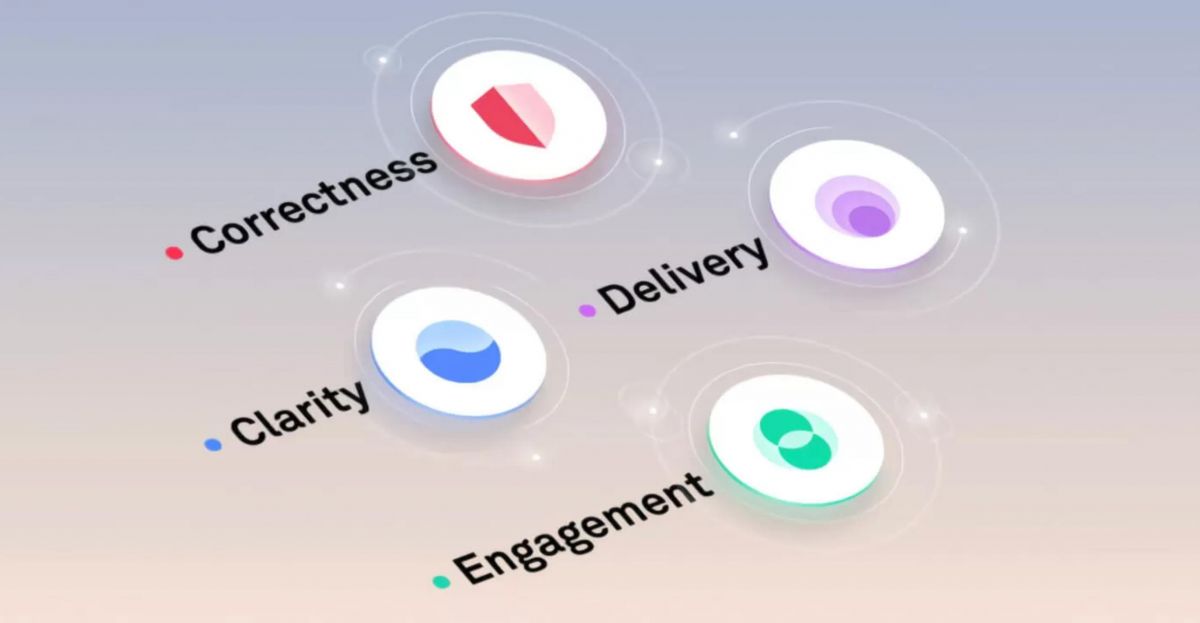
One of the most undervalued features is the Goals tab at the top of the Grammarly Editor. These settings for your intended audience (general, expert, knowledgeable), formality (informal, neutral, formal), domain (academic, business, creative), and tone (informative, convincing, descriptive) are for your consideration. If you set these options before writing, Grammarly adjusts each of its suggestions to the context of your text. Grammarly adapts to the type of language needed for your blog post or legal brief.In the case of documents that are longer, you can monitor performance and other statistics of the document in the right side panel of the editor - Performance Score and Writing Statistics. These metrics split up your text into its readability, vocabulary diversity, sentence length distribution, and tone detection. Reliable reading ease and a good range of sentence structure typically means good and clear writing. A good indicator to simplify is if the average sentence exceeds 25–30 words.Academic writers and content creators will find the Plagiarism Checker (in Grammarly Premium) to be a priceless asset. Check work before submitting to make sure it is original and that there are no accidental similarities with published sources.
Unlock Grammarly’s Generative AI Capabilities
4.7
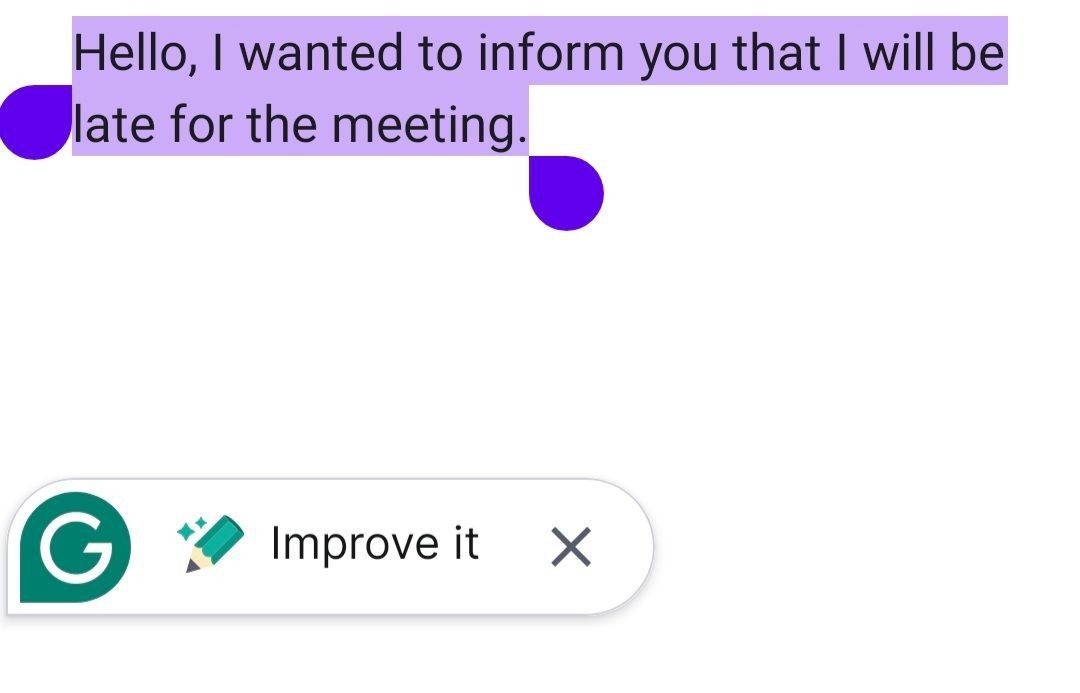
After you already have a draft in place, the AI switches roles and becomes this fast revision engine. Select the entire paragraph which appears awkward or poorly structured, and click the AI rewrite options. You can trigger the artificial intelligence's ability and ask it to summarise the text in bullet point format, elaborate on a short idea to add missing detail and even convert the tone to more confident, caring, and persuasive. That on demand rewriting thing cuts down the time you spend staring at sentence structure like it personally offended you.Also, you can have the AI chew through information at speed. If you get a long email or a document, it can read it and instantly produce a tight summary of key takeaways plus action items. Sometimes it can even suggest quick replies that fit the context of what the sender actually wrote. So by mixing real time generative writing with instant text analysis, those AI tools help you bulldoze writer’s block, and they make digital communication feel way faster and more usable, overall.
Integrate Grammarly With Your Website or App
4.7
Implementation is as easy as typing a small piece of code into the header of your application and enveloping your desired text input segments with the Grammarly HTML tags that are proprietary to their system. The developer dashboard provides step by step documentation and ready made code snippets, so you can move quicker. On top of that, the SDK includes lots of customization options, you can enable or disable specific checking categories, adjust underline visuals to match your brand, and view usage analytics. And when you embed this automated proofreading functionality into your interface, it helps users write cleanly, which boosts the overall quality of the content they submit across the platform.
How to Keep Grammarly Running at Its Best
4.7
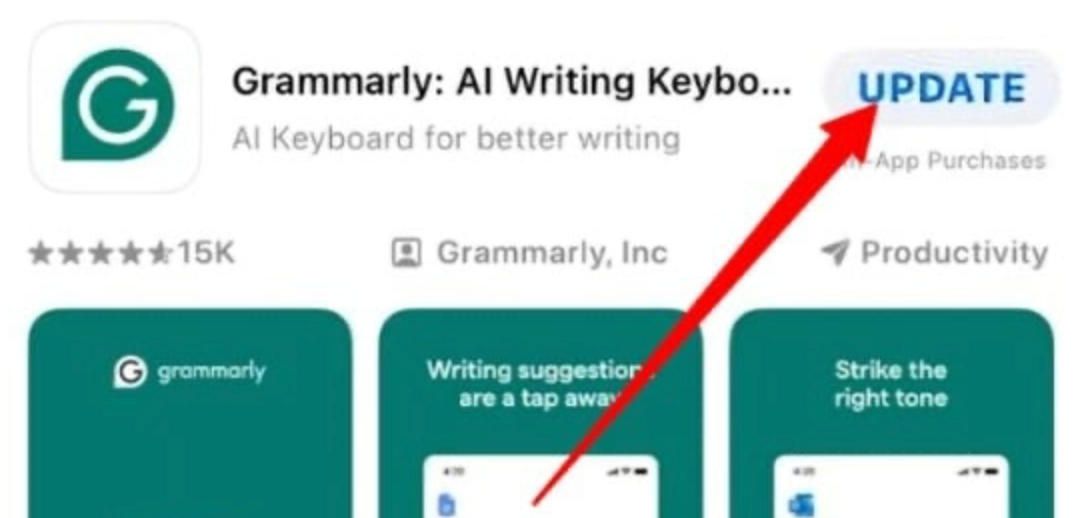
On Android:- Open the Google Play Store and tap your profile icon in the top-right corner.- Select Manage apps & device, then tap the Updates available tab.- Locate Grammarly and tap Update, or tap Update all to refresh all pending apps simultaneously.- To set Grammarly to update automatically, open its Play Store page, tap the three-dot menu in the top-right, and select Enable auto-update.- You can also set all apps to auto-update under Play Store Settings > Network preferences > Auto-update apps.For the browser extension (Chrome, Firefox, Edge, Safari):- Chrome and Edge extensions update automatically in the background. To force an immediate update, go to chrome://extensions, enable Developer mode, and click Update.- In Firefox, go to Add-ons and themes > Extensions, click the gear icon, and select Check for Updates.- Safari extension updates arrive through System Preferences > Software Update on macOS.

Microsoft Teams
4.8
Microsoft Teams is an all-in-one work collaboration solution designed for the modern workplace. This collates chat, video meetings, file sharing and app integrates under one roof. From organizing a global project, holding a fast one on one call or sharing important documents with teammates, Teams helps everyone stay in sync, on the same page and productive regardless of location.
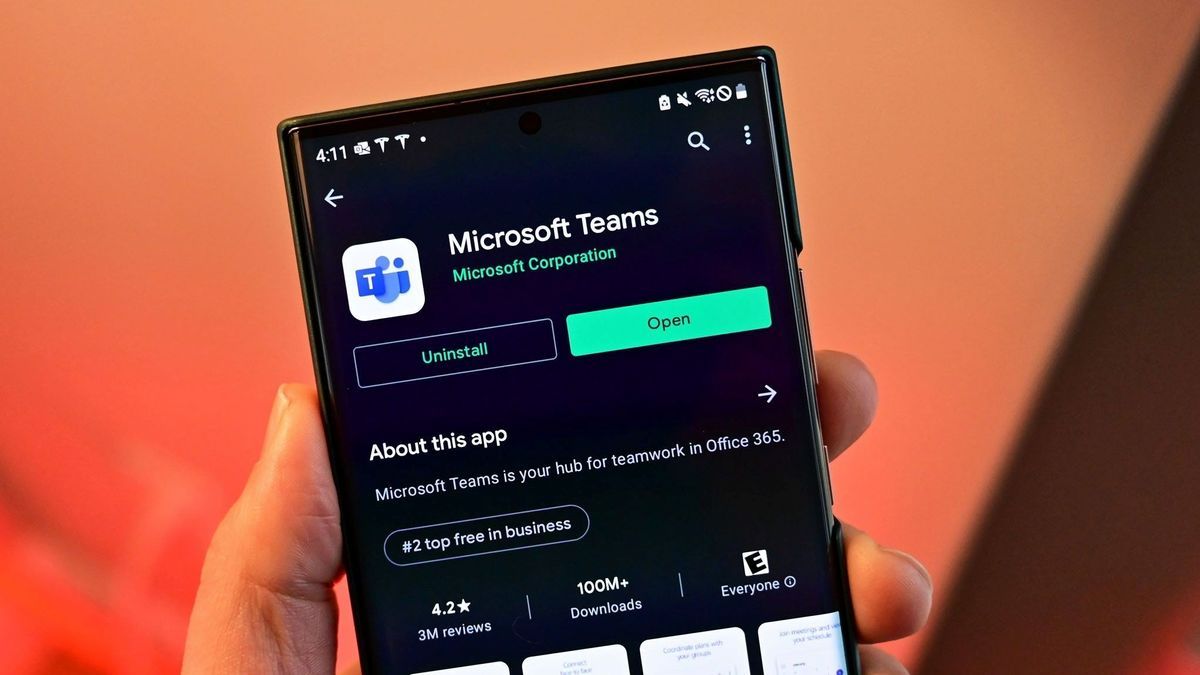
Get Microsoft Teams on iOS and Android
4.8
For Android:- Open the Google Play Store on your Android device.- Tap the search bar and type "Microsoft Teams."- Select the official app published by Microsoft Corporation and tap Install.- Wait for the installation to complete.- Once installed, tap Open from the Play Store or find the Teams icon in your app drawer.- Tap Sign In and enter your Microsoft 365 or personal Microsoft account credentials.- Complete any MFA verification steps required by your organization's IT policy.- Allow microphone, camera, contacts, and storage permissions when prompted to enable all communication features.- Teams will automatically load your workspaces, conversations, and calendar upon first sign-in.Both are available for free download. Microsoft 365 users will gain access to the entire feature set including unlimited meeting length, larger group meetings, and advanced admin controls. There's also a version of Microsoft Teams for desktop on Windows and macOS, available for download from teams.microsoft.com.
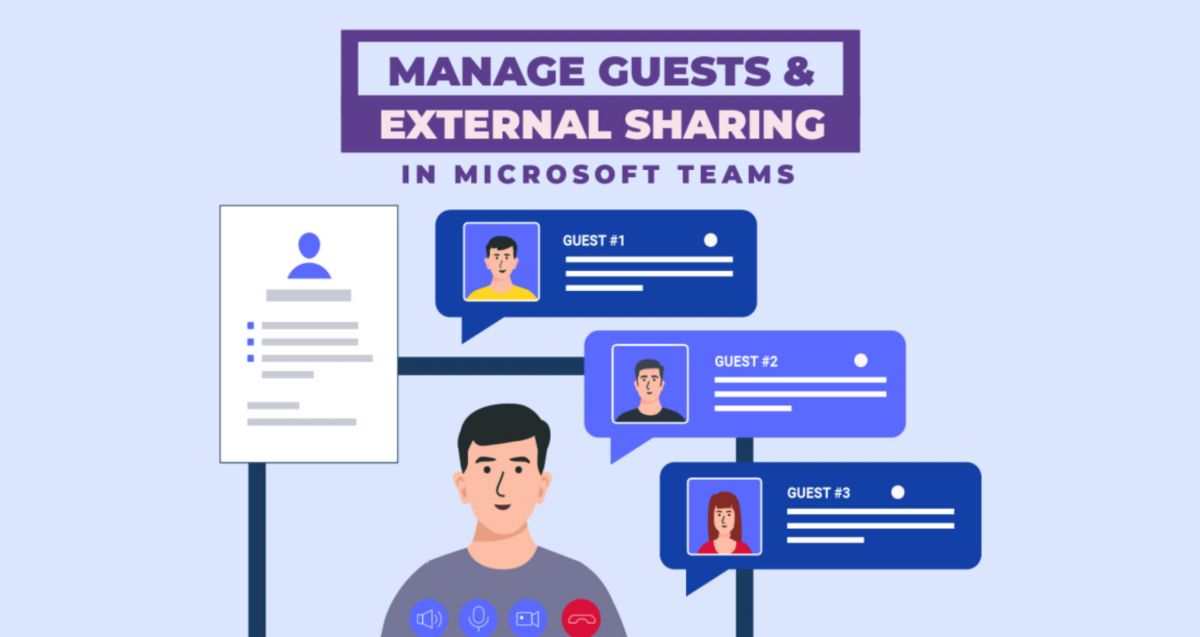
Connect Effortlessly with Your Organization via Microsoft Teams
4.8
Teams really shines in the area of meetings and calls. Meeting plans are just a few clicks away: you only have to click the calendar icon, enter the invitees, and send it which provides a link to a Teams meeting. The Meet Now button initiates an instant-live video call with whomever you choose from your Chatting List. In calls, and other features such as background blurring, virtual backgrounds, real-time captioning and live translation ensure that communication is clearer and more inclusive, in any environment and any language.Make all participants in a meeting appear in a virtual meeting area, such as a lecture hall, coffee shop or conference room, which reduces the "off camera" fatigue of typical "grid" meeting configurations. It is very effective for longer meetings and frequent team stand-ups, boosts engagement and a true sense of connection.Never ignore @mentions or status bars. Using @name will alert the colleague with a direct message in the channel especially when it is very busy. Your status is always visible to everyone, so that they can make informed and intelligent calls on how and when to reach you with message hints like Do Not Disturb and Out of Office.
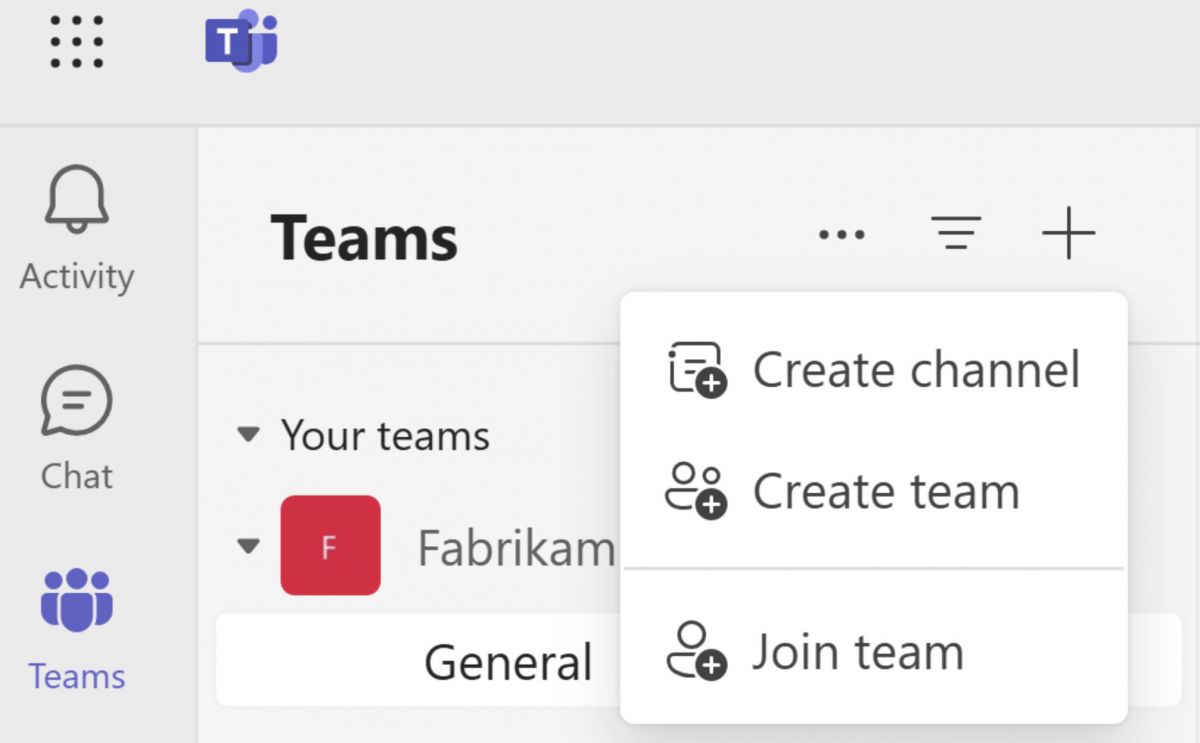
Effectively Manage Your Workflow with Microsoft Teams
4.8
One of the most powerful tools that the platform has for project management is its built-in, seamless integration with Microsoft 365 productivity apps. At any time, members of a project team may upload and access word documents, excel spreadsheets and powerpoint files and they may collaborate on the co-authorship of these documents. This collaborative editing without going emailing back and forth to different versions of files is a synchronous activity. Changes are real-time tracked and saved in the built-in, cloud-based SharePoint or OneDrive.What's more, Teams has excellent task management features right within the shared office space interface. Project leaders can assign project parts using a range of functional programs, such as Microsoft Planner and Tasks, create definite operational timelines and track advancement with highly visual project Kanban boards. That openness creates clearer accountability—people know what has to get done, who is properly responsible, and when it is due. Add in third-party apps plus automation bots, and Microsoft Teams turns from “just a chat tool” into a more complete command area, good for steering multi-part projects from early planning all the way through the final release, even when timelines are strict.

Protect Your Data and Privacy in Microsoft Teams
4.8
Data Loss Prevention (DLP) policies prevent even sensitive information like credit card numbers, national identification numbers, or proprietary business data, from being accidentally or maliciously shared in Team chats or channels. A DLP rule is applied at all times, even when it is triggered by a message, and is automatically added to a filter to ensure compliance with the rule.DLP rule that is automatically added to a filter and applied when triggered by a message, adding an intelligent compliance filter to everyday communication.If you’re an individual user, pay attention to what you put in guest accessible channels. Guests can view everything posted in the channels they are added to, so it’s best not to place internal only details there. You should also check who has guest access from the Members panel, and remove past guests quickly once a project ends or an agreement is over.Teams privacy controls also shape how meetings work. Recording of the meeting can be prohibited for download by others, participants can be restricted to a presenter and the meeting lobby can be turned "on" to prevent entrance of non-charge participants except on an invite-only basis. These small settings can greatly help in regulating discussion dynamics and who is able to see what on sensitive discussions.
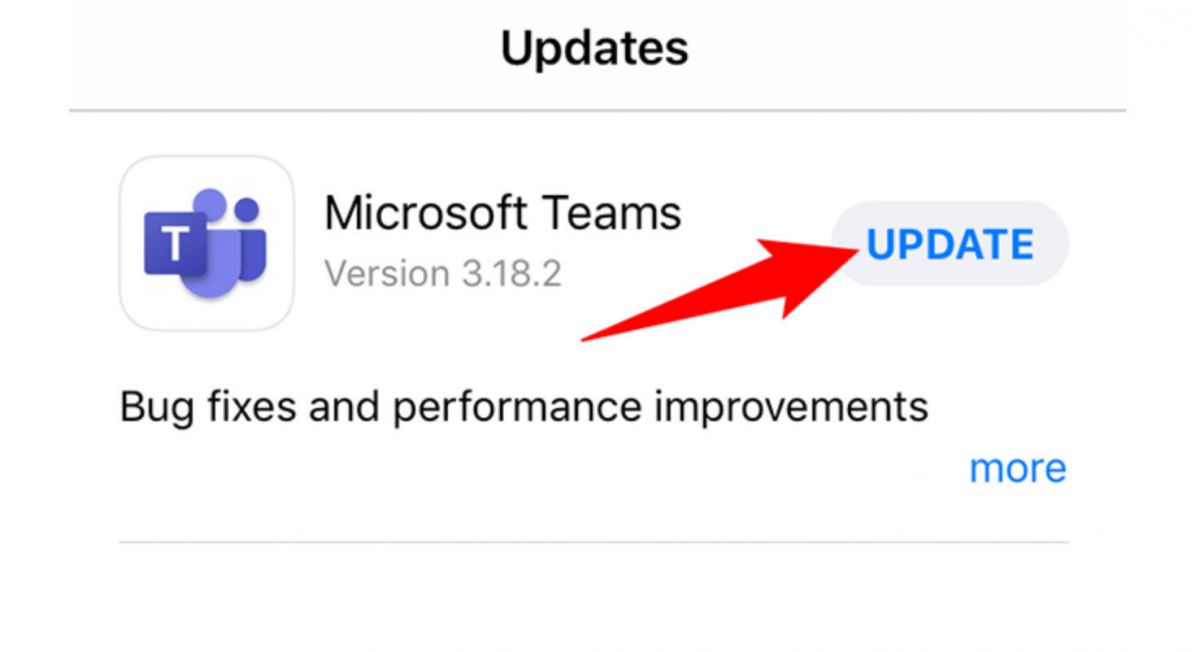
Keep Microsoft Teams Up to Date
4.8
On Android:- Open the Google Play Store and tap your profile icon in the top-right corner.- Select Manage apps & device, then check the Updates available tab for Microsoft Teams.- Tap Update to install the latest version, or tap Update all to refresh all pending apps at once.- To enable automatic updates for Teams, open its Play Store listing, tap the three-dot menu, and select Enable auto-update.- Alternatively, enable background auto-updates for all apps under Play Store Settings > Network preferences > Auto-update apps.