

Local Apps - Free Download & Official Reviews

Have The Weather Channel on Your Fingertips
 4.3
4.3
Installing on iPhone (iOS)1. Launch the App Store on your iPhone or iPad2. Tap the Search icon on the bottom of the screen3. Type “The Weather Channel” in the search bar4. Locate the official app with The Weather Channel logo. More simply, visit the downloading page from https://apps.apple.com/us/app/weather-the-weather-channel/id2956464615. Tap “Get” or cloud and arrow download icon6. Authenticate using Face ID, Touch ID, or Apple ID password7. Allow download and installation to complete8. After installed, tap “Open” to launch the app9. Allow location permission when prompted for local forecasts to be precise10. Sign up or log in as a guest to start using the appInstalling on Android Devices1. Open the Google Play Store on your Android device2. Tap the Search bar at the top3. Enter “The Weather Channel” and tap search4. Select the official app from the list. In a more straightforward way, get access to the same destination page from here https://play.google.com/store/apps/details?id=com.weather.Weather&hl=en&gl=us5. Tap “Install”6. Allow the download and installation to complete7. Once installed, tap “Open”8. Grant location permissions when prompted9. Complete the initial setup by adhering to the on-screen instructions10. Register for personalized forecasts or enter as a guestNavigation on PCsBecause there is no desktop version of The Weather Channel on PCs, the users may open its official website at https://weather.com/ using a browser to access real-time and accurate weather forecast information.

Breathe Easy with Weather Channel App
4.3
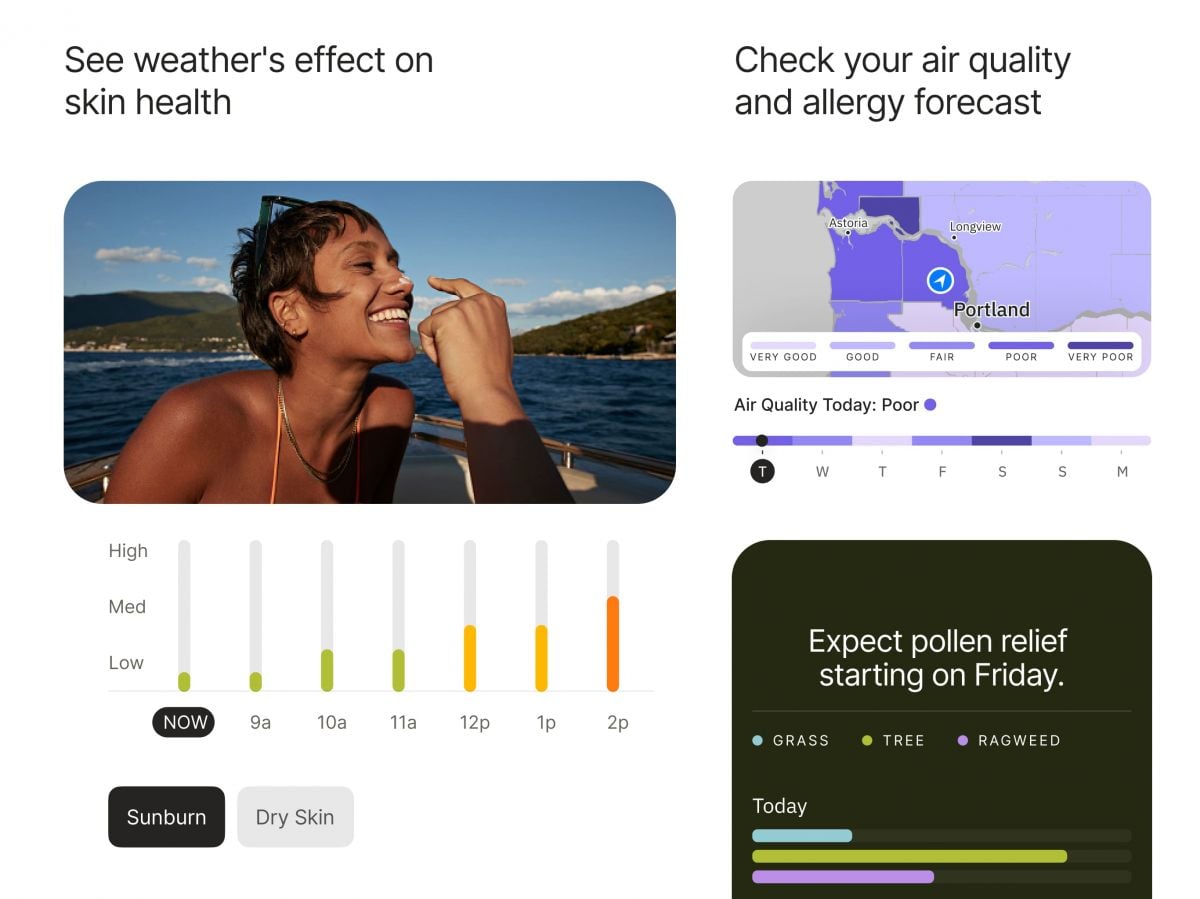
Users need to access The Weather Channel for air quality readings through their app by choosing “Air Quality Index” (AQI) from the main menu. The app displays color-coded AQI scales that reflect prevailing air pollution levels. Tap on your location to receive accurate readings of PM2.5, PM10, and other particulate matter harmful to people who have respiratory diseases.To monitor pollen, go to the “Allergy & Pollen Forecast” feature. The application gives grass, tree, and weed pollen values during the course of the day and uses qualitative terms like “low,” “medium,” and “high.” For individuals who have severe sensitivities, set up individual notices to notify you of increases in allergen content.Additionally, you can combine these points with weather forecasts to select good times for outdoor activities or even cancel plans based on live pollen distribution maps. These resources are particularly useful during the peak allergy season when allergens are abundant outside.In brief, The Weather Channel’s air and allergy quality utilities are a requirement for allergenic and pollution-intolerant patients. Not just do these instruments provide real-time environmental data, but they even allow users to make intelligent decisions regarding their well-being, elevating the level of life altogether.

Stay Updated Hassle-Free Across Devices
4.3
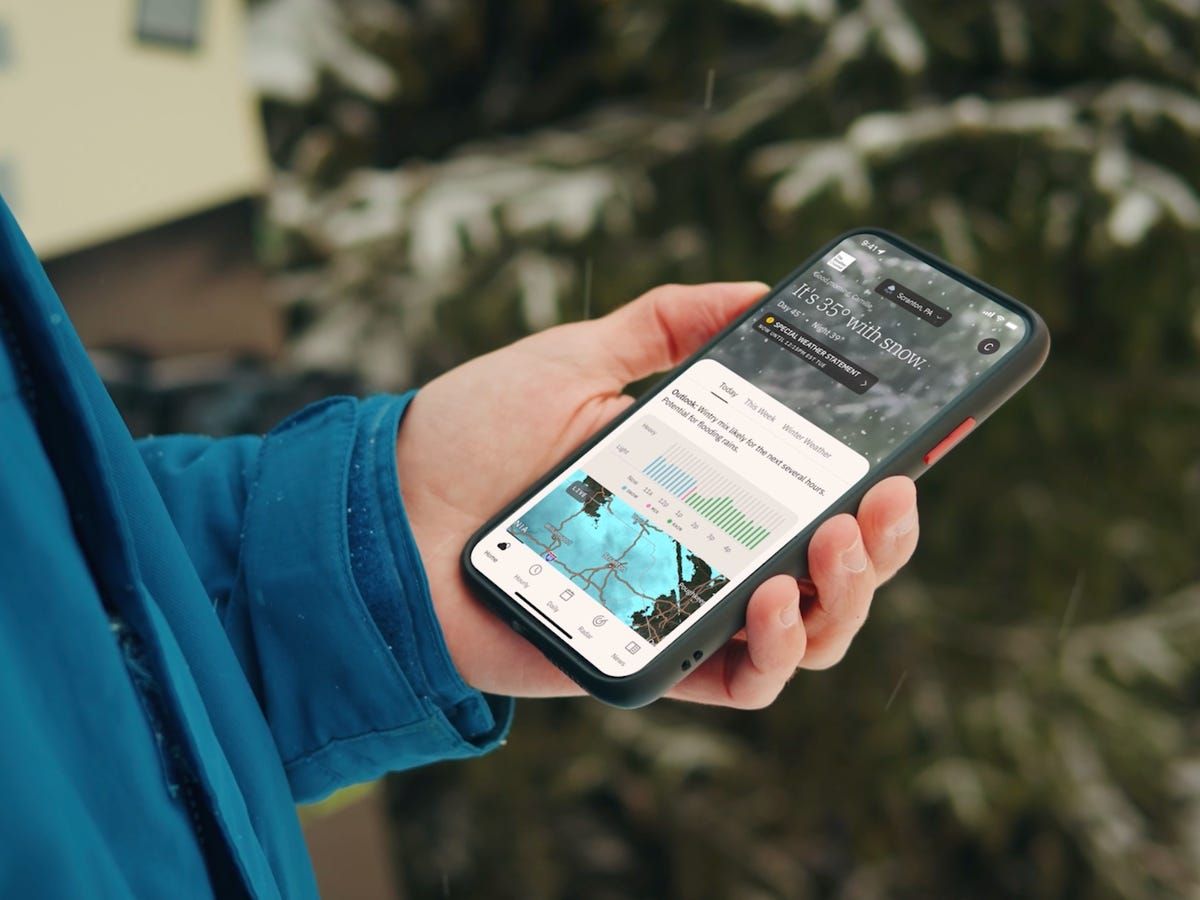
Updating on iPhone (iOS)1. Open the App Store on your iOS device2. Click on your profile picture in the top right3. Swipe down to see available updates for every app4. Locate The Weather Channel in pending updates list5. Tap “Update” next to the name of the app to start it6. Alternatively, tap “Update All” to install all apps at once7. Wait while download and install are completed8. After updating, launch the app to verify that it’s running smoothly9. Check the “What’s New” section to learn about new featuresUpdating on Android Devices1. Launch Google Play Store on your Android device2. Tap your profile icon in the top right3. Select “Manage apps and device”4. Search for “Updates available” to see pending updates5. Find The Weather Channel in the list6. Tap “Update” next to the app7. To get automatic updates, visit the page of the app8. Tap the three dots on the top right corner9. Choose “Enable auto-update” to update the app automatically10. Once updated, open the app to verify that the update was successfulUpdating on PC (via Web)The web version updates automatically, but keep your browser up to date for optimal performance.

Dress Smarter Using Feels Like Data
4.3
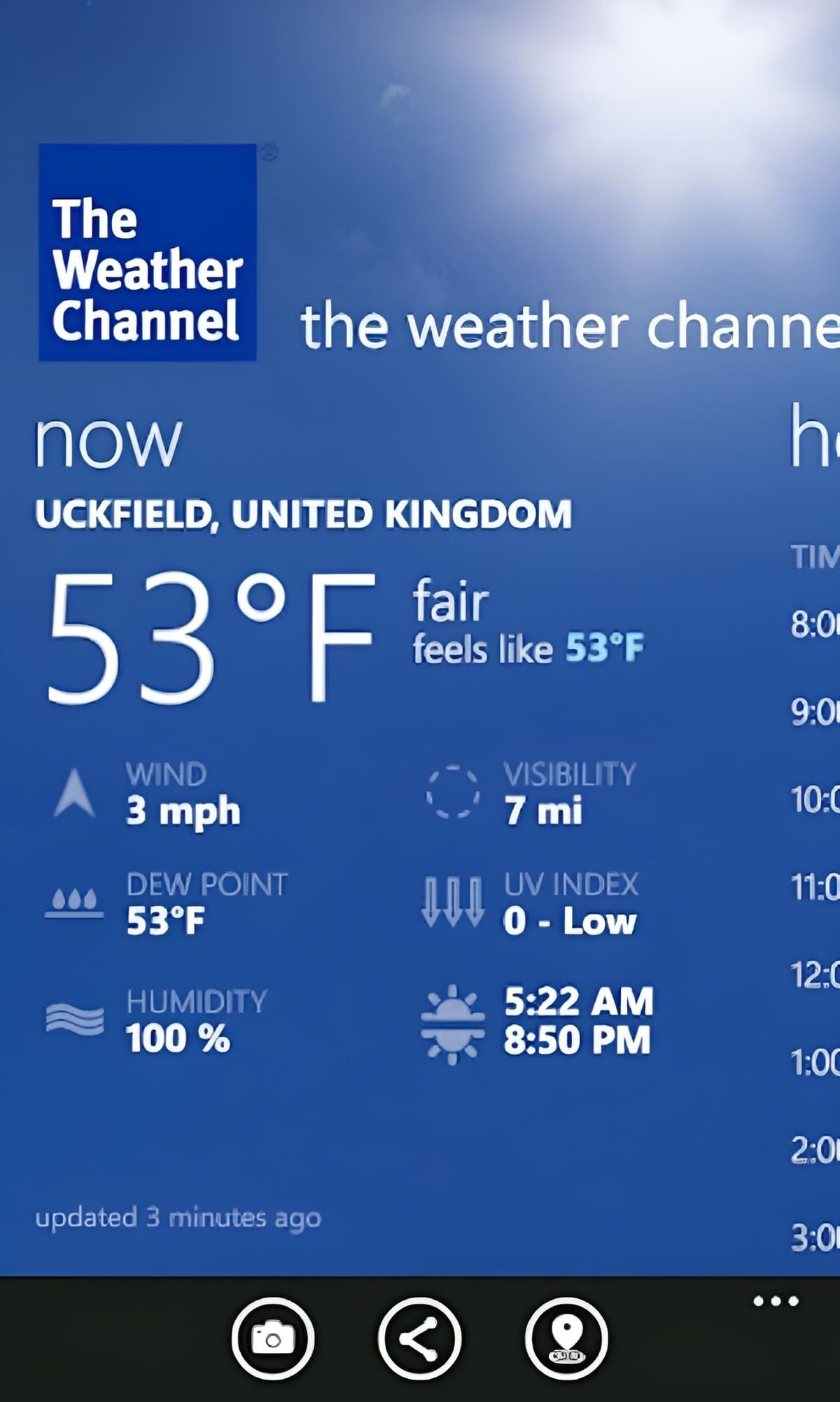
1. Locating Feels Like:- Open The Weather Channel.- Verify the present weather forecast.- Search for the “Feels Like” temperature.2. Adapting Your Wardrobe:- Utilize the “Feels Like” temperature to determine layers or light clothing.- Wind chill or heat index should be taken into consideration while planning your outfit.3. Preparing in Advance:- Utilize the app’s forecast to prepare outfits for the coming days.- Adapt your wardrobe according to predicted weather.In essence, The Weather Channel’s Feels Like function is a breakthrough in staying comfortable outdoors. With the blend of temperature, humidity, and wind, it’s an unprecedentedly useful feature that prepares you for whatever the weather feels like.

Is The Weather Channel Premium Worth It?
4.3
With Premium, users get to enjoy longer radar tools with high-resolution data and longer forecasting periods—ideal for planning weeks ahead. Another benefit is the removal of ads, giving users an ad-free interface and distraction-free browsing experience.Premium subscribers receive quick answers and fast troubleshooting support from the application developers. The subscription provides access to 15-minute forecast data in addition to historical data points and storm-tracking features that prove highly beneficial to locations prone to severe weather events such as hurricanes and tornadoes.Considering such benefits, Premium is money well spent if you rely on accurate weather information for travel, event organization, or security. However, for the majority of users who are merely seeking day-to-day forecasts and basic radar imagery, the free materials available in the app are sufficiently sufficient.

Delve into Carnival's Fun with the App
4.6
A strength of the app is its personal touch. Activities can be filtered by guest interest, and they range from family friendly activities such as Seuss at Sea™ story time and parades to high-energy options like ropes courses or SportSquare challenges. The app even makes all the practicalities easy for you, book dining, bookmark your favourite activities and get live updates. This marriage of planning and participation takes cruising to a new level that makes each day custom-fit to you.Perfect for both first-time cruisers and experienced travelers, the app puts the“fun'in your cruise”all while keeping you connected to the fun exactly where you are. Families can plan children’s activities at Camp Ocean, and couples can easily locate romantic venues or evening entertainment. And by seamlessly blending ease with innovation, the app serves as a blueprint for Carnival's quest to deliver an unbeatable onboard experience that simultaneously challenges technology and thinks differently about fun.

Telegram’s Safety Features
4.0
1. Enable Two-Step Verification:- For the extra layer of security, one can enable a password via Settings > Privacy and Security > Two-Step Verification.- This will prevent unauthorized use, even if anyone else knows your telephone number.2. Sending Private Messages via Secret Chats:- Secret Chats use end-to-end encryption, including self-destruct timers, which is great for sensitive information.- They never reach Telegram’s servers and therefore never leave your device.3. Control Who Can Contact You:- In Settings > Privacy and Security, select who can view your profile photo, your last seen, and phone number.- You can block contacts, manage messages coming from strangers, and you can limit this for unnecessary conversations.4. Self-Destruct Media in Regular Chats:- Open any chat, tap the clock icon while sending a photo or video. After setting the self-destruct timer for media to disappear once viewed.

Understanding the Core Pros
4.6
First, the idea of convenience is central to Domino’s appeal. With an easy-to-use mobile app and website that allow customers to order in seconds, track their delivery real time and even customize pizzas with their own toppings. The brand's "AnyWare" capability also accepts orders from smartwatches, voice assistants and social media platforms to reach tech-savvy users.Second, its delivery is known for speed and reliability. Domino’s promises, and delivers (within a minimum of 30 minutes if available), hot off the oven pizzas and features an order tracking system to keep customers updated. With an effective logistics system, it serves customers with fast delivery regardless of busy hours.Third, quality and variety impress. Domino’s Pizza puts its own spin on the bite-size meals with quality ingredients, such as 100% real mozzarella cheese and fresh dough. There’s something for everyone on the menu, including vegetarian and vegan options, along with gluten-free options and classics.In the end, value for money speaks volumes. Frequent deals, combo offers and loyalty programs such as “Pieces of the Pie Rewards” allow customers to accumulate points for free pizzas, so cost is not a barrier.Mix technology, quality, and customer service in Domino’s Pizza is an experience that few can match with that overcoming the refusal to return.