

App Apps - Free Download & Official Reviews

WhatsApp Setup
 4.6
4.6
Installing WhatsApp on All of Your DevicesMobile Installation (Android and iOS)1. Android OS:- Open the Google Play Store.- In the search bar, type WhatsApp then press Enter.- Find WhatsApp Messenger and click “Install.” Or you can directly install it from here https://play.google.com/store/apps/details?id=com.whatsapp&hl=en_US- When installed, open the application and begin setup by following the on-screen instructions.2. iOS System:- Open the App Store.- In the search box, type WhatsApp and then search.- Look for WhatsApp Messenger, then click “Get” to begin downloading the application. Alternatively, visit the same page here https://apps.apple.com/us/app/whatsapp-messenger/id310633997- Upon download, open the application. Create your account by following the pop-up windows.Installation on Computer (Windows and Mac)1. Windows Operating System:- Access the official WhatsApp website http://www.whatsapp.com/download.- Get an installer for your Windows device by clicking “Download”.- Double click the installation file after downloading then run the setup wizard to install the application.2. Mac Operating System:- Launch WhatsApp official website:https://www.whatsapp.com/download.- Click “Download” to download the Mac version of the application.- Once downloaded, open the file and drag WhatsApp into your Applications folder.When installed, in order to link your mobile WhatsApp, you will have to scan a QR code to sync the messages.

What You Can Do with WhatsApp
4.6
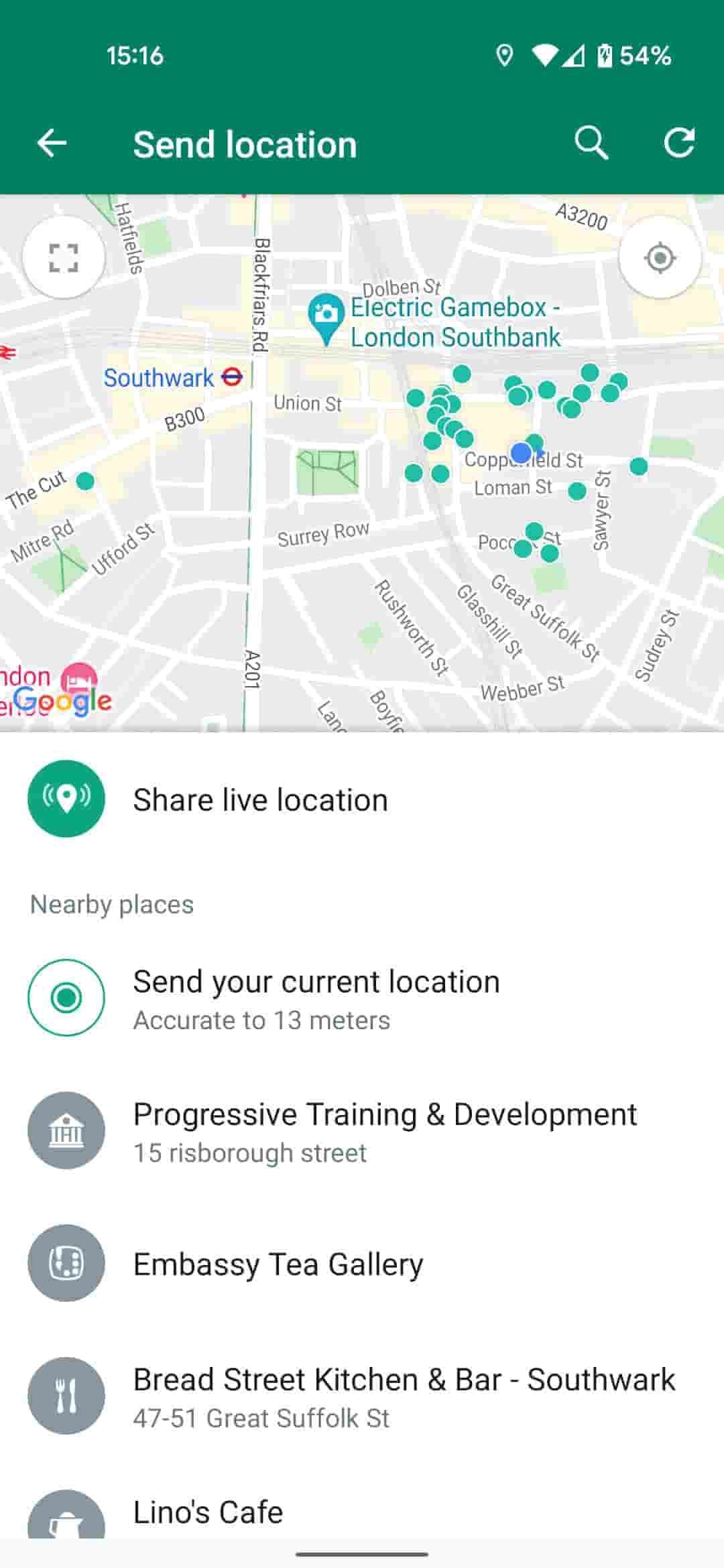
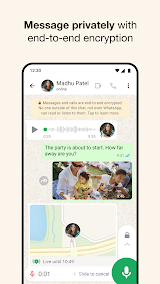
How to Use WhatsApp to Its Full Potential1. Users can send text messages, voice notes, make voice calls, and conduct video calls. It provides one-on-one chat and supports group chats of about 256 participants-a just-right number for team communication or family gathering.2. WhatsApp allows sending photos, videos, GIFs, and documents easily. Users can send high-quality media without the fear of compression or loss of quality. WhatsApp also supports sending live locations to help in coordinating meetups.3. The Status feature allows users to post photos and videos that vanish in 24 hours. It offers the possibility of sharing moments without their being saved-the feature is very tempting for users.

Recover Deleted WhatsApp Messages
4.6
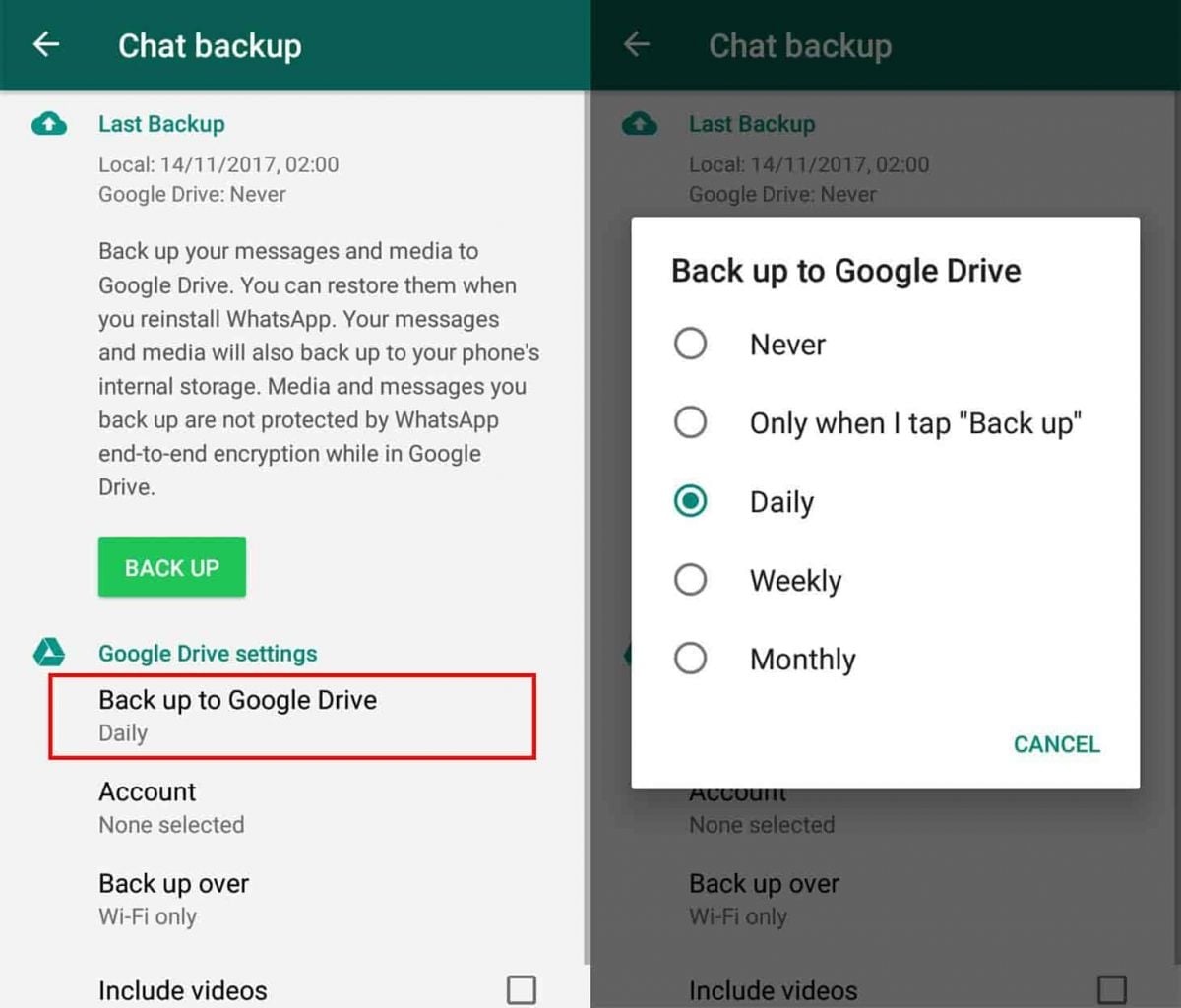
How to Recover Deleted Messages1. For Android Users:- First of all, make sure that Google Drive backup is enabled on your device. Check if backups are active in WhatsApp by going to “Settings” > “Chats” > “Chat Backup”.- Uninstall and reinstall WhatsApp, following the prompts that will be on the screen for restoring from Google Drive backup at installation.- Recover recently deleted messages by using notification history on some android phones. Based on whether or not this option is available within your settings, may use a notification history where you could recover recently deleted messages.2. For iOS Users:- Ensure iCloud backup is enabled for chats. Check iCloud settings on your device.- Uninstall and reinstall WhatsApp; during initial setup, choose to restore from iCloud backup.

Uninstall WhatsApp
4.6
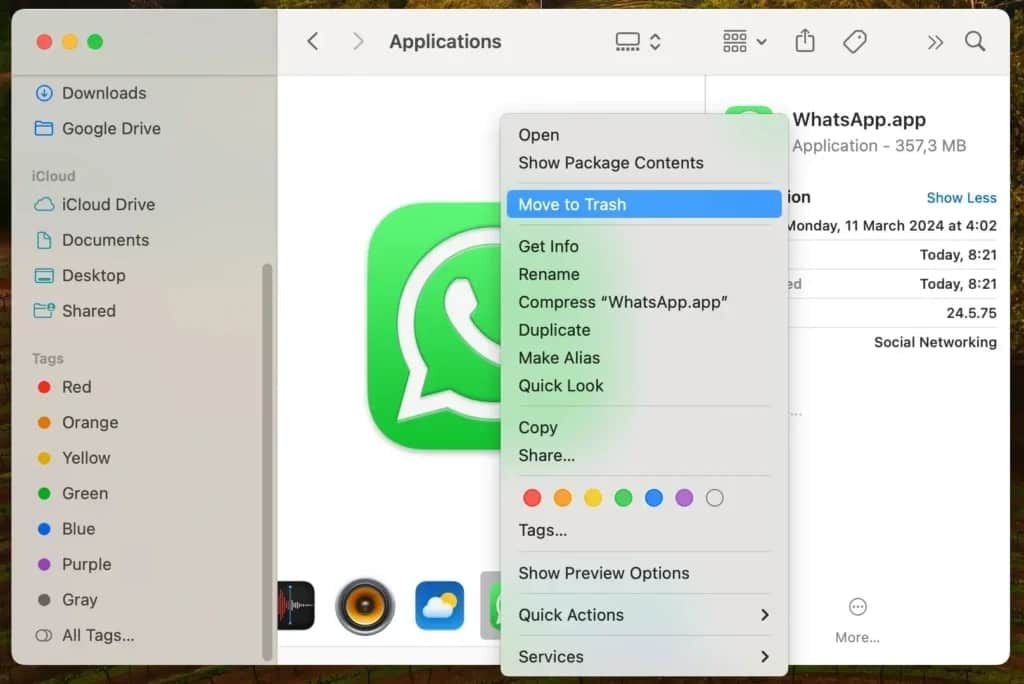
How to Uninstall WhatsApp1. Android Devices:- Long-press on the icon of WhatsApp and click on “Uninstall.”- Or go to “Settings,” select “Apps,” find WhatsApp, and click "Uninstall."2. iOS Devices:- Long-press on the icon for WhatsApp and select “Remove App.”- Alternatively, go to “Settings,” select “General,” then "iPhone Storage," locate WhatsApp, and delete it.3. Computer Systems (Windows/Mac):- In Windows, right-click at the Start Menu on WhatsApp’s icon and select “Uninstall.”- If you are on Mac, drag WhatsApp to Trash to delete it.

Always Keep WhatsApp Updated
4.6
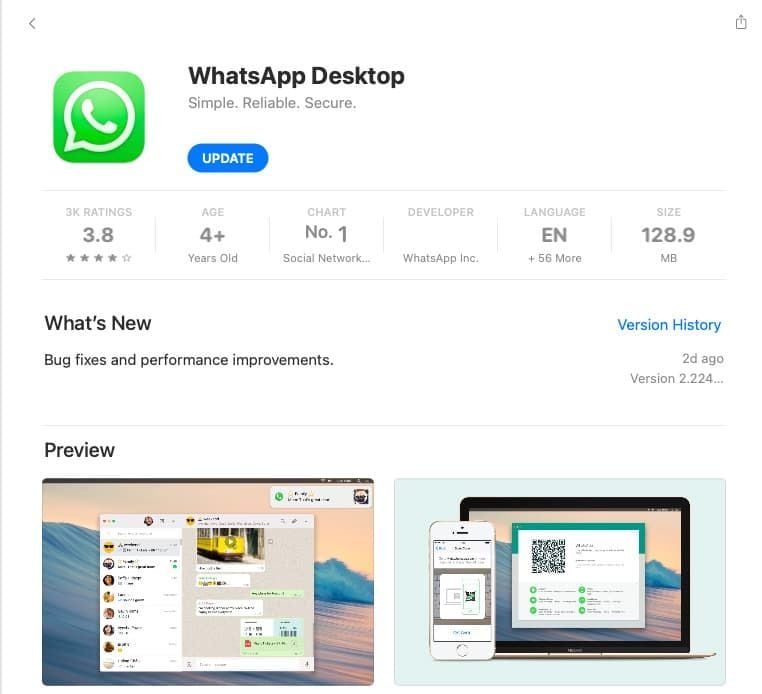
How to Keep It Updated1. If You’re Using an Android Device:- Open Google Play Store; tap on the menu icon in the top left corner then select “My apps & games.” If there are updates, they will appear on this page; click update beside WhatsApp.2. If You’re Using an iOS Device:- Go to the App Store, tap on the “Updates” icon bottom right; if there is an update for the apps such as WhatsApp, it will show here; tap “Update” beside it.3. If You’re Using a Desktop Device:- Access through an official website for the latest download, in case automatic updates have not been enabled for Windows or Mac users. Or directly launch the corresponding desktop app store to see if there is an updated option available.

How to Ensure Safety and Privacy when Using WhatsApp
4.6
Anyway, it is surely a secured place for the communication due to security features of WhatsApp along with the awareness of its users.

5 Things to Love About Little Caesars Pizza
4.8
1.Effortless Ordering and PickupThe app simplifies the process with easy to navigate menus, so you can have their own pizza creation in seconds. You can skip the line and pick up your order without a fuss thanks to the “Hot-N-Ready”pickup option.2.Exclusive Deals and DiscountsMembers receive app-only deals, like discounted combos, free upgrades and time-sensitive special offers. These offers mean eating your fave pizza is now even cheaper, ideal if you order from them a lot.3.Real-Time Order TrackingThe app offers real-time order status from prep to pick up. This level of transparency helps to minimize any uncertainty and allows you to know precisely when you need to arrive for piping-hot, fresh pizza.4.Rewards Program IntegrationRack up points with every purchase, and redeem them for free pizzas, sides or drinks. The loyalty program encourages repeat visits and the customer lifetime value is increased exponentially.5.User-Friendly DesignIt is simple and easy to use, and the app suitable for all ages with neat interface and intuitive operation. Convenience for customers is further enriched with features such as saved favorite orders and multiple payment selections to provide an easy checkout process when making repeat purchases.With speed, savings and a little something special added in, the Little Caesarsis the perfect way for people on-the-go to pick up some pizzas.

Control Your Home with Amazon Alexa’s Voice Control
4.1
1.Hands-Free ExperienceTurn on the security system, turn up the AC, or dim the lights from anywhere, just say “Alexa, increase the temperature by 1°C”or “Turn off the bedroom lights.”No buttons, apps or remotes required — your voice is the ultimate remote.2.Smart Home IntegrationAlexa speaks to thousands of compatible devices from smart plugs, locks, cameras and more. And actionable commands, “Alexa, make the coffee”, or “Lock the front door”– activate your home with just those simple words.3.Personalized RoutinesCraft custom routines with one trigger. “Alexa, good morning”would be able to do things like brew your coffee, read you the news and turn on the lights all with a single action.4.Entertainment On DemandPlay music, listen to the news and moreinstantly. “Play jazz in the kitchen”or “Skip this track,”you can take command immediately.5.Daily Task ManagementSmartphones have evolved, and now you can decide whether to shop online. Try saying, “Alexa, remind me to call Mom at 3:00 p.m.,”or “Add milk to my shopping list.”Control a non remote device with your voice when paired with an Alexa enable device such as Echo or Dot. Embrace the future of hands-free living.