

Hot App Reviews - Best Free Apps Download & Guides

Install Instagram at No-Cost

WhatsApp Setup

Download and Install YouTube

Keep your Instagram Private
 4.8
4.8
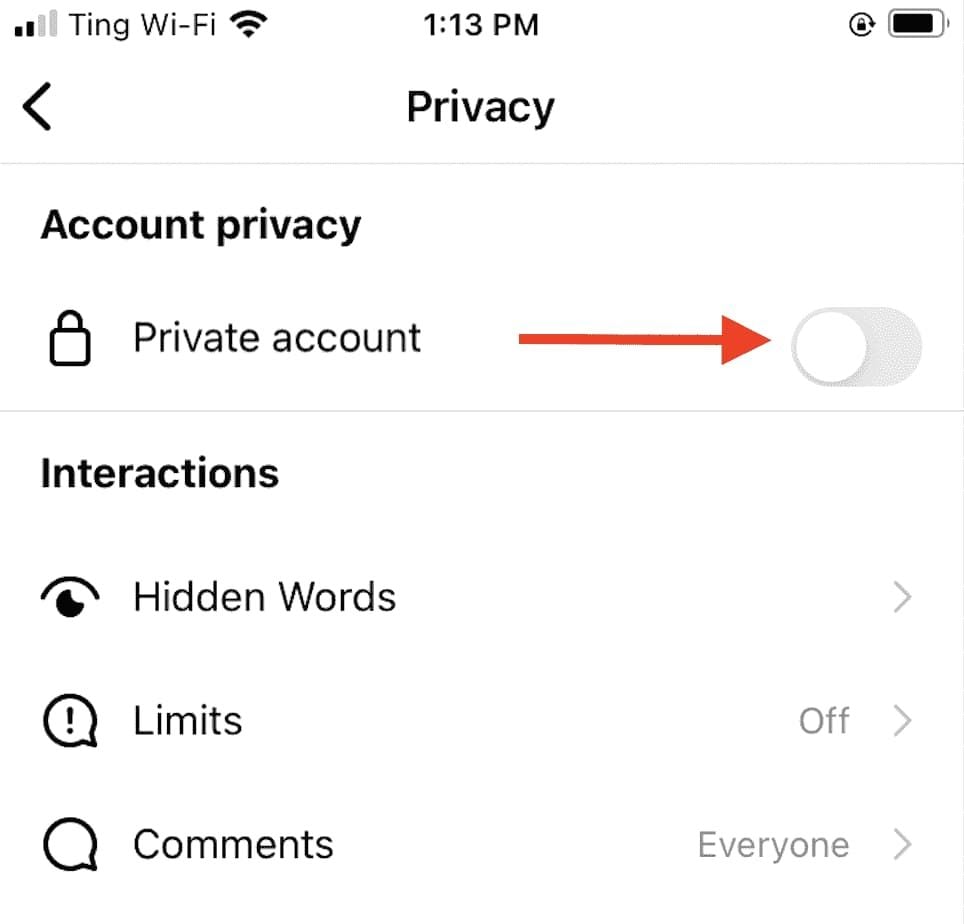
Privacy Settings1. Set your Account to Private:- Go to Settings > Privacy > Account Privacy and turn on “Private Account.” This will make your posts and stories visible only to approved followers.2. Manage Comments and Messages:- Control who can comment on your posts by going into Settings > Privacy > Comments where you can restrict comments from specific users or everyone except those you follow.3. Manage Location Sharing:- Be cautious when sharing location data while posting pictures or stories; disable location services in your device settings if necessary.4. Review Tagged Photos:- Check tagged photos by going into Settings > Privacy > Tags where you can choose whether tagged posts appear on your profile automatically or require approval first.5. Restrict Profile Visibility:- Regularly check followers; delete any that seem suspect or unauthorized to view your profile information.

Keep Your Account Secure
4.6
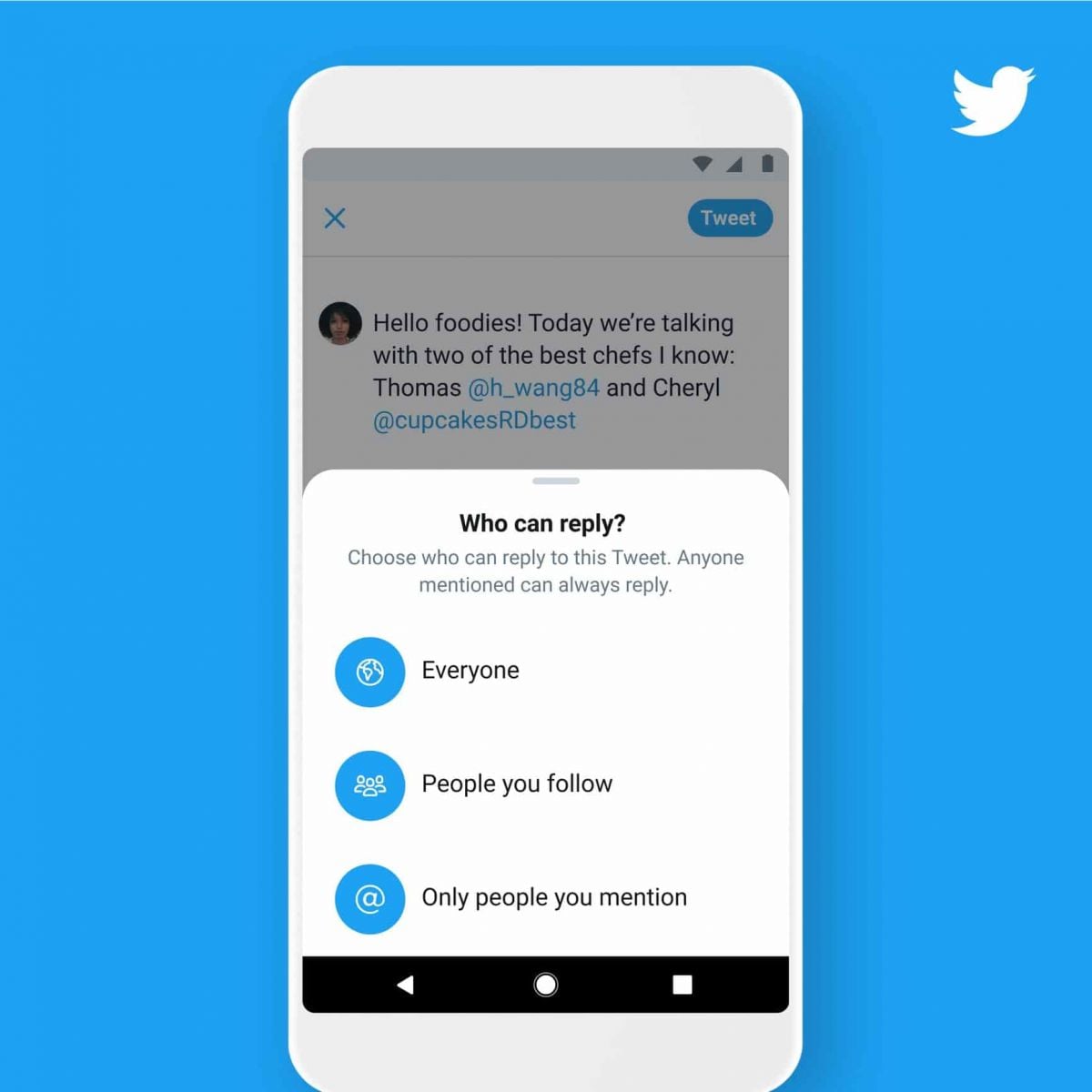
Measures to Prevent Compromise of Personal DataPrivacy Settings1. Set your account to private so that only confirmed followers can read your tweets.2. Control who can reply to your tweets by selecting options like “Everyone,” “People you follow,” or “Only people you mention.”Security Measures1. Enable 2FA for an extra layer of security during login.2. Use complex passwords like mix letters, numbers, and symbols and update them regularly.

Keep Temu Always Up-to-Date
4.4
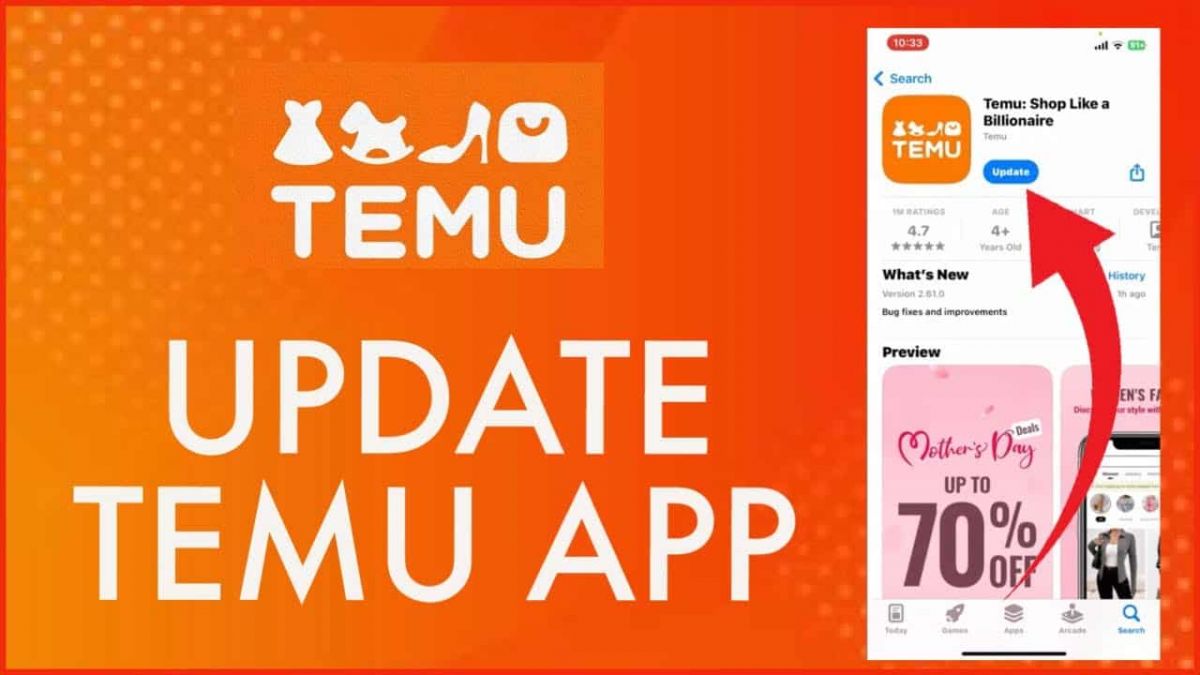
Update Methods1. Auto Updates: For both Android and iOS, select “App Updates” in your device settings to update your Temu application automatically whenever a newer version is released.2. Manual Update: Go to the Play Store for Android or the App Store for iOS, search for “Temu,” and if it says that an update is available, just tap on “Update”.3. Desktop Version: Since Temu is web-based on PC browsers, the updates are automatically done. You just have to refresh the page to experience the new features.

Amazon Shopping’s Top Competitors
4.8
1. The emergence of such a powerful alternative is that of Walmart: online shopping combined with the benefit of a wide physical store network. Walmart+ membership benefits like free delivery, in-store shopping with scan and go, and fuel discounts come with the app. It is particularly strong at grocery shopping with same day pickup and delivery options and at competitive prices.2. Target is positioned as a curated shopping experience with a sleek interface and rewards program called Target Circle. The app differentiates itself from other apps with the inclusion of fashionable yet affordable private labels, same-day delivery via Shipt, and Drive Up. Its strength lies in combining fashion, home décor, and everyday essentials with a more refined shopping experience.3. eBay distinguishes itself with both an auction-style and fixed-price listing. The platform excels in unique, secondhand, and collectible items. Key features: image search capability, personalized offers, real-time price alerts, robust messaging system for buyers and sellers to connect. The app does offer authentication services for luxury4. Costco brings the warehouse club experience to mobile shopping, featuring bulk pricing and exclusive benefits for its members. The app features integration with a digital membership card, same-day grocery delivery, pharmacy services, and special online-only deals. While offering fewer products than Amazon, it emphasizes quality and value through carefully curated selections.5. AliExpress specializes in shopping directly from the manufacturer, with very competitive prices. This platform boasts a vast product array, buyer protection, image search, and real-time translation, even though its delivery times are usually longer. Gracie app features include games, coins, and flash deals, among other things that make using this app very entertaining.

Protect Your Search Privacy
4.1
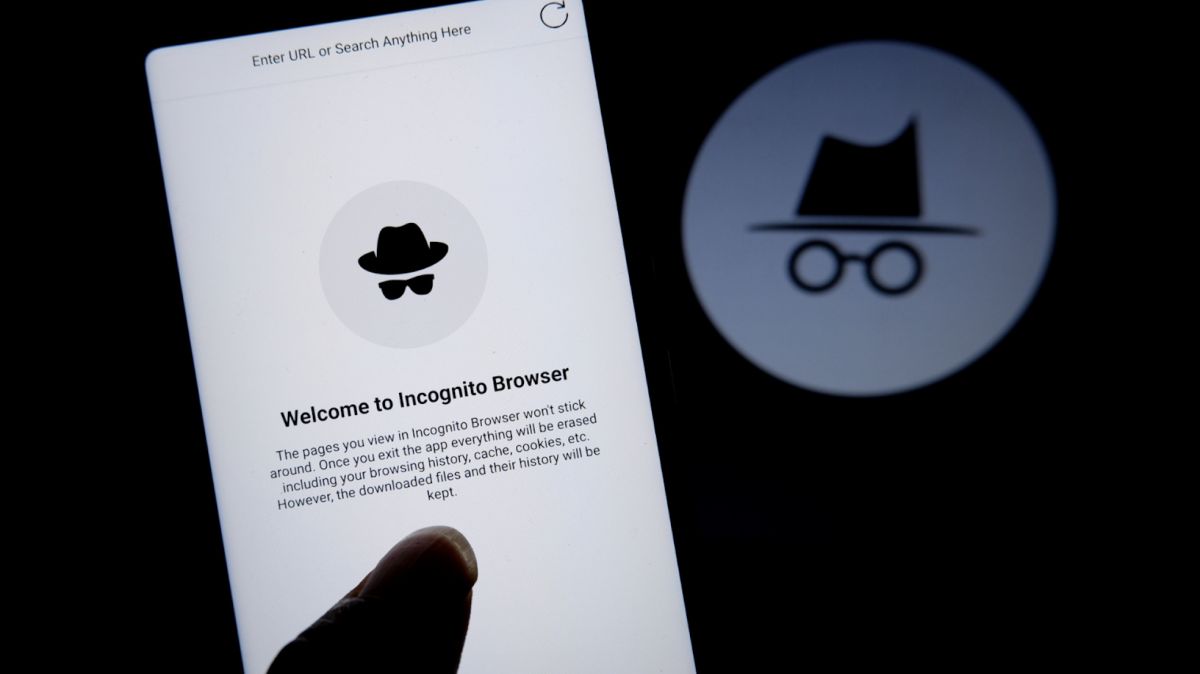
Managing Search History and Activity1. Launch Google2. Tap your profile picture in the top-right3. Click “Manage your Google Account”4. Go to the “Data & Privacy” page5. In the “History settings,” select “Web & App Activity”6. Turn off “Web & App Activity” so Google does not record your searches7. Or choose “Auto-delete” to delete activity older than some chosen timeframePrivate Searches with Incognito Mode1. Launch Google on your smartphone2. Tap your profile picture at the top right3. Choose “Turn on Incognito Mode”4. In Google Chrome browser, tap on three-dot menu and select “New Incognito Window”5. Conduct your searches without storing history in your account6. Close the tab or window in Incognito mode once completed7. Keep in mind that while Incognito blocks local history storage, your ISP knows what you are doing

Download and Install YouTube
4.7
Precise StepsAndroid Devices1. Open Google Play Store.2. Click on the search icon and type “YouTube.”3. Select YouTube from the list given. More directly, visit the downloading page from here https://play.google.com/store/apps/details?id=com.google.android.youtube.4. Tap on “Install” to initiate the download and installation process. Make sure there is enough storage space on your device and a proper internet connection.iOS Devices1. Open the App Store.2. Key in “YouTube” in the search bar.3. Touch YouTube from the search results. In a more straightforward way, get access to the same destination page from here https://apps.apple.com/us/app/youtube/id544007664.4. Click on “Get” to download and install the app. You might be asked to enter your Apple ID password.PC/Laptop (Windows/Mac):For users on PC, you are not required to download any extra application; instead, you can access its official site https://www.youtube.com using any web browser.

Stay Updated Hassle-Free Across Devices
4.3
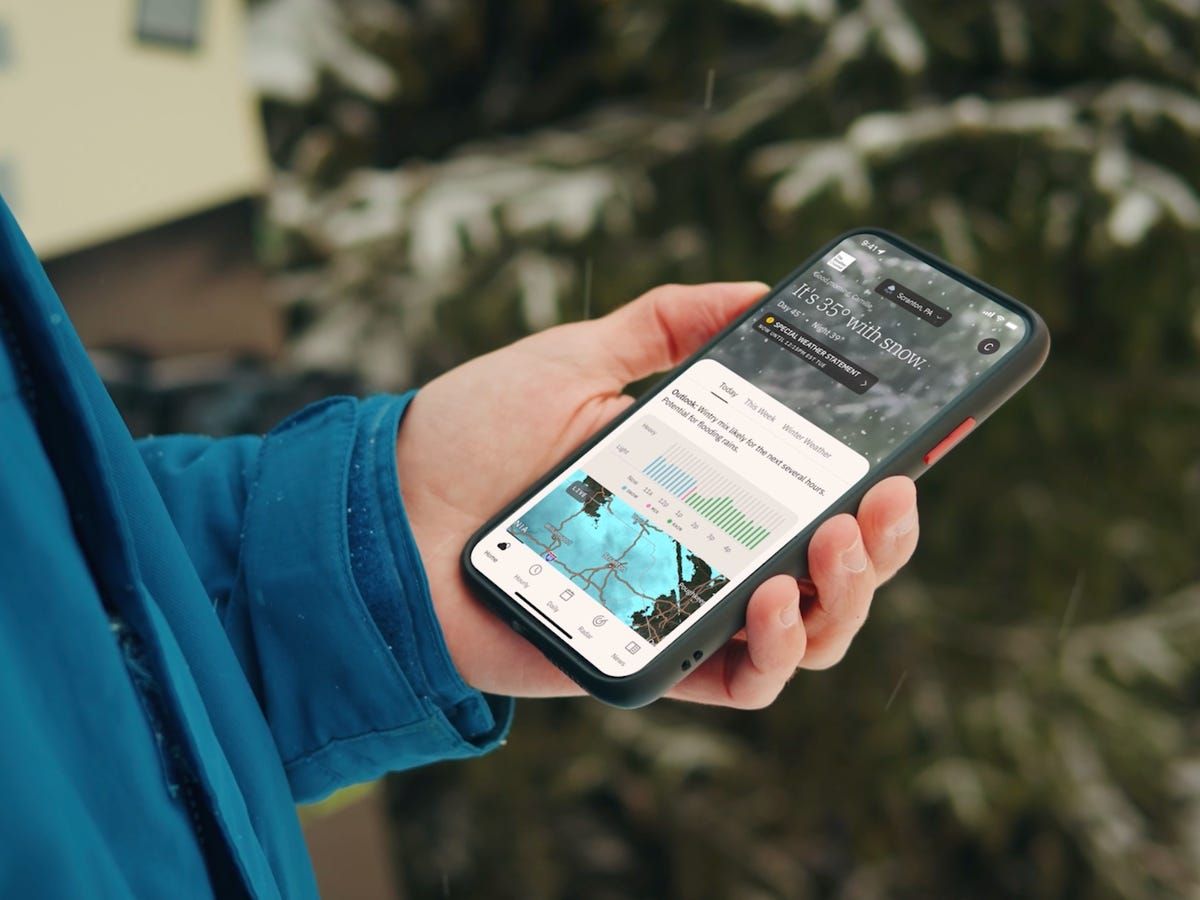
Updating on iPhone (iOS)1. Open the App Store on your iOS device2. Click on your profile picture in the top right3. Swipe down to see available updates for every app4. Locate The Weather Channel in pending updates list5. Tap “Update” next to the name of the app to start it6. Alternatively, tap “Update All” to install all apps at once7. Wait while download and install are completed8. After updating, launch the app to verify that it’s running smoothly9. Check the “What’s New” section to learn about new featuresUpdating on Android Devices1. Launch Google Play Store on your Android device2. Tap your profile icon in the top right3. Select “Manage apps and device”4. Search for “Updates available” to see pending updates5. Find The Weather Channel in the list6. Tap “Update” next to the app7. To get automatic updates, visit the page of the app8. Tap the three dots on the top right corner9. Choose “Enable auto-update” to update the app automatically10. Once updated, open the app to verify that the update was successfulUpdating on PC (via Web)The web version updates automatically, but keep your browser up to date for optimal performance.

「地上波テレビ 視聴、ワンセグ 地デジ リアルタイム配信」をダウンロードする
3.6
「地上波テレビ視聴」アプリのダウンロード方法「地上波テレビ視聴」アプリをダウンロードするには、以下の手順を参考にしてください。①Android端末の場合は「Google Play ストア」、iOS端末の場合は「App Store」を開きます。②検索バーに「地上波テレビ視聴」と入力し、検索結果から該当するアプリを選択します。③「インストール」(Android端末)または「入手」(iOS端末)ボタンをタップし、ダウンロードとインストールを開始します。④インストールが完了したら、ホーム画面からアプリを起動します。この手順を踏むことで、スマートフォンやタブレットで地上波テレビを手軽に視聴することが可能になります。「地上波テレビ視聴」アプリのアップデート方法アプリを常に最新の状態にアップデートすることで、機能の改善や不具合の修正が反映され、快適なテレビ視聴体験が得られます。以下の手順でアップデートを行ってください。①Android端末の場合は「Google Play ストア」、iOS端末の場合は「App Store」を開きます。②画面上部または下部のメニューから「マイアプリ」や「アカウント」を選択します。③「アップデート」タブを開き、更新可能なアプリの一覧から「地上波テレビ視聴」アプリを探します。④「更新」ボタンをタップし、アップデートを開始します。

Google Pay Is Your Digitally Transformed Wallet
4.2
The same advantage is with respect to its security and comfort. When you put your credit or debit card into Google Pay, it does not give away your actual card number when you make purchases. Rather, it relies on a distinct virtual account number to protect your private financial information from potential data breaches. Additionally, for authorizations, the device uses device encryption like fingerprint or face recognition and there's no break-ins literally. That is, paying this way isn’t just more secure; it’s also quicker — just unlock your phone and tap to pay wherever contactless payments are accepted.But, more than just card transactions, Google Pay can also house other essentials such as your transit passes and loyalty cards, continuing to migrate the contents of your wallet into you phone. For online shopping, tools like Chrome’s virtual credit card can fill in that unique detail at checkout automatically so the purchase remains clean and can be protected with your real card.

Cleverest Way to Connect with Loved Ones Who Are in Jail
3.8
Second, from Apple Pay and Google Pay integration to our one-swipe funding of AdvanceConnect or Direct Bill accounts — there's no need to re-enter your card. Third, there are push-notification reminders to let you know every time an inmate makes a call so that you don't miss out on those special moments.Fourth, personal data and payment info are protected by end-to-end encryption and biometric log-in — certainly more so than with standard landline services.Finally, Securus Mobile's new low-bandwidth mode provides clear audio that works on 3G networks, an important feature for country towns where signals are weak. All backed by an intuitive interface allowing first-time users to plan a video visit in less than 60 seconds—demonstrating that staying connected can be both safe and easy.